AI Audio Looper
Finding loop points by ear is slow: you scrub back and forth looking for two spots in a track where the waveform and the groove match up. Audjust does that part for you. It analyzes the audio, scores candidate points across the whole track, and proposes the pair that joins most cleanly, so the loop comes back around without an obvious click or restart. It runs in your browser, it's free, and there's no signup or install.
To use it, upload an audio file (MP3 and WAV both work). Audjust analyzes the track, suggests loop points, and plays the looped result so you can hear the join. If the suggested points aren't quite right, nudge them and audition again, then export the looping version.
More content below
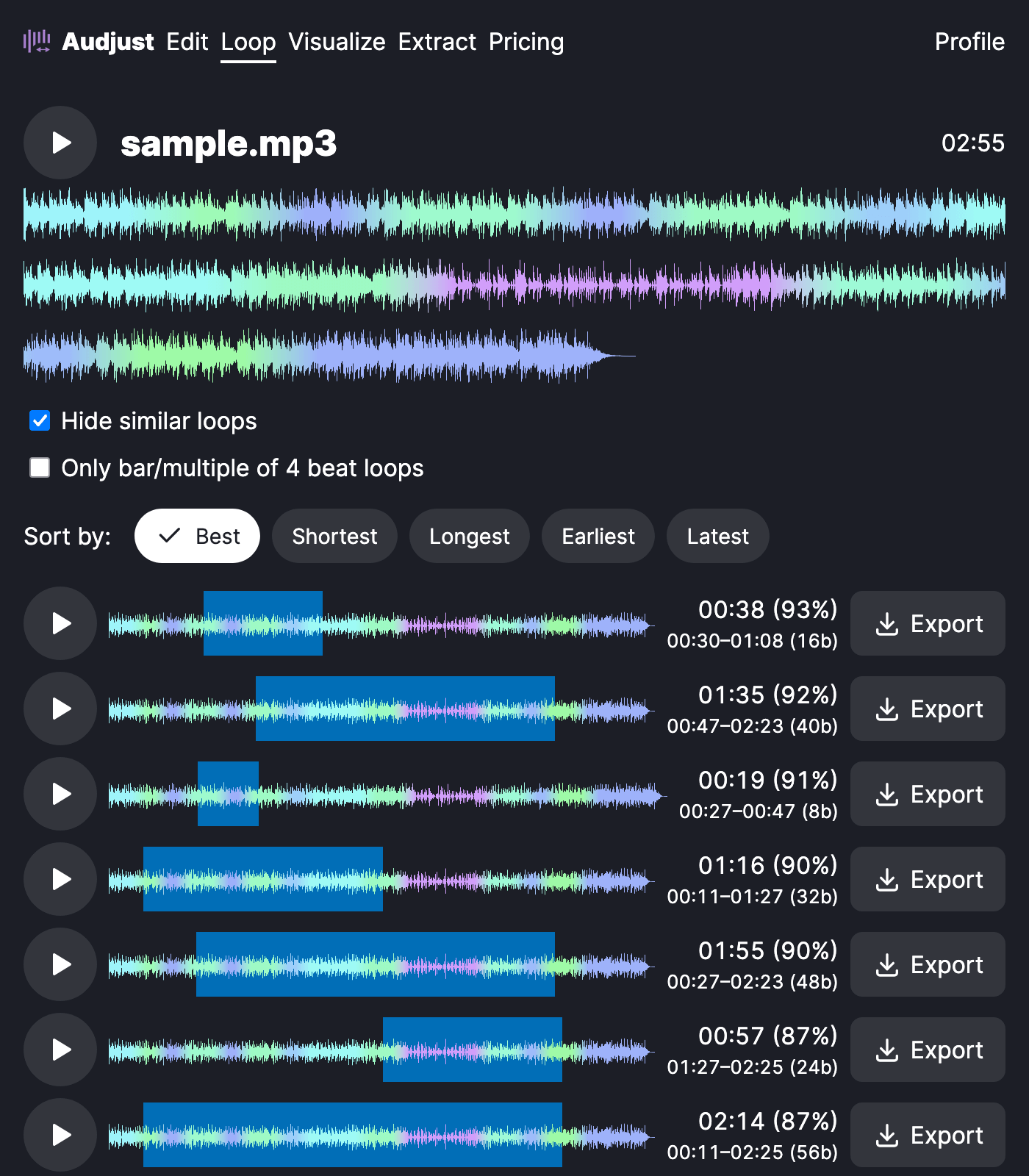
This is useful when you need background music that holds under a video, stream, or app and can't have a noticeable restart every time it cycles. It also works for pulling a clean loop or sample out of a longer song, the kind of repeating section you can drop straight into a track or a game project.
One thing worth knowing: the cleanest loops come from sections where the rhythm and energy already line up, like a steady groove or a sustained pad. A spot where a vocal or a drum fill cuts in is harder to hide, so let the tool pick the natural seam and preview it before exporting.
Does the AI actually find the loop for you? Yes. It scores candidate points and proposes the best match, and you stay in control to adjust and preview before saving.
Start editing for free! →
No account or email required
