AI Song Looper
An AI song looper takes a full track and makes a version that repeats without an audible jump. Audjust scans the audio, finds points where the waveform and rhythm line up, and joins the start and end so the song plays on a loop and sounds continuous. It runs in your browser, free, with no signup or install, and reads common files like MP3 and WAV. You can also pull a single loop or sample out of a song instead of looping the whole thing.
To use it, upload a song and let it scan for matching loop points. You get a suggested loop to preview on repeat, you can nudge the start and end, and you can export when it sounds right.
More content below
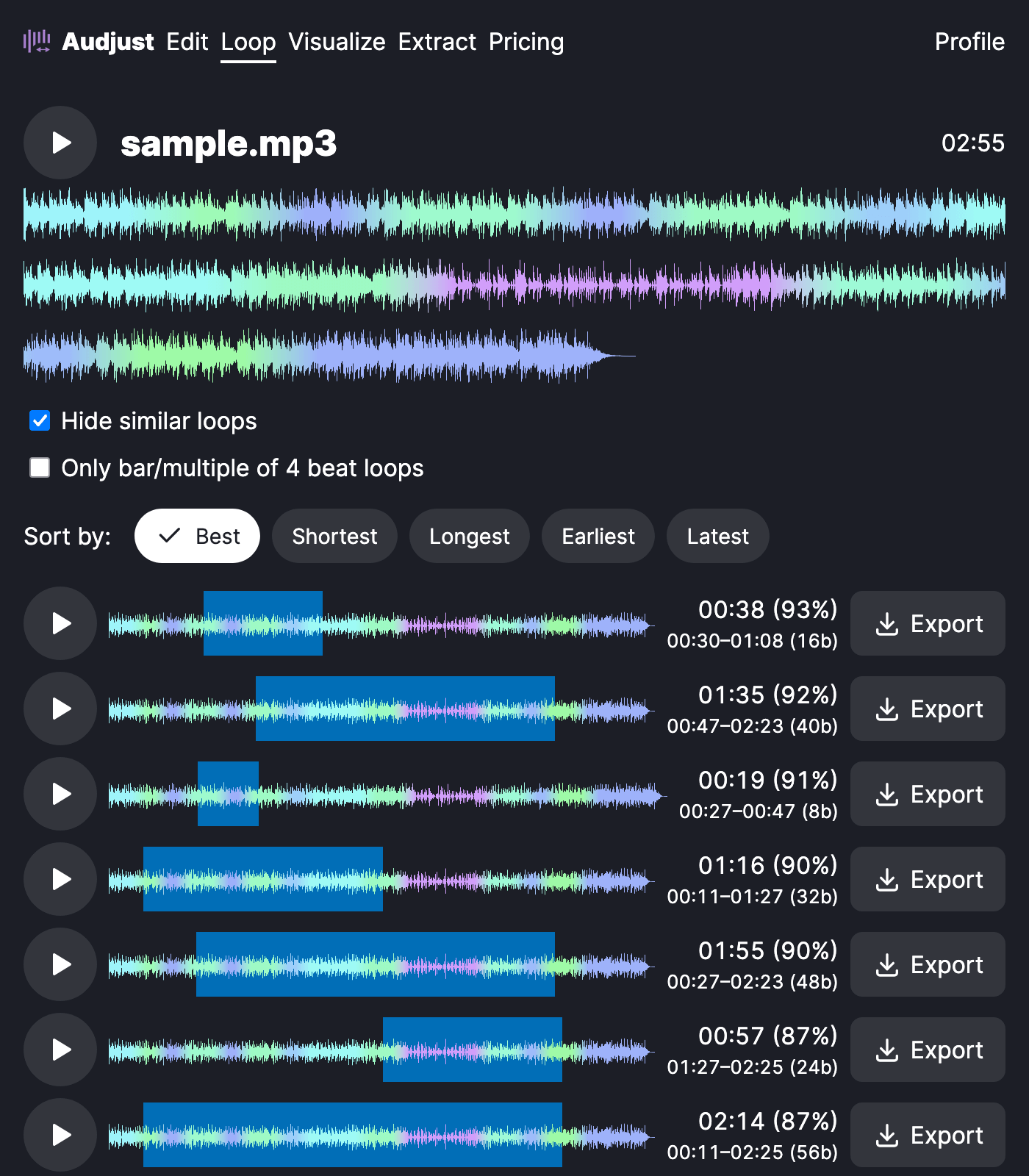
This helps when you want a song to keep playing under something else: a focus or study track that doesn't reset every few minutes, background music for a stream or video that has to run indefinitely, or a clean loop or sample to drop into a beat you're producing.
One thing to know: the cleanest loops usually come from steadier sections, like a verse or instrumental groove, rather than a spot where the song builds or drops. If a loop sounds off, move the boundaries to a calmer part of the track.
The question most people have is whether the AI writes new music. It doesn't. It only chooses where to cut and join the original audio, so the loop sounds exactly like the song you started with, just repeating cleanly.
Start editing for free! →
No account or email required
