Audio Loop
An audio loop is a section of sound that plays over and over without a noticeable break at the point where it restarts. This tool builds one in your browser: it looks for the spot where the end of your clip lines up with the start, then joins them so each repeat sounds continuous instead of clicking or jumping.
To make one, add your audio by uploading a file. Audjust analyzes the track and suggests loop points. You can preview the loop, nudge the start and end if you want a tighter section, then export the looping version as a file. It's free, runs in the browser, and needs no signup or install. MP3 and WAV both work.
More content below
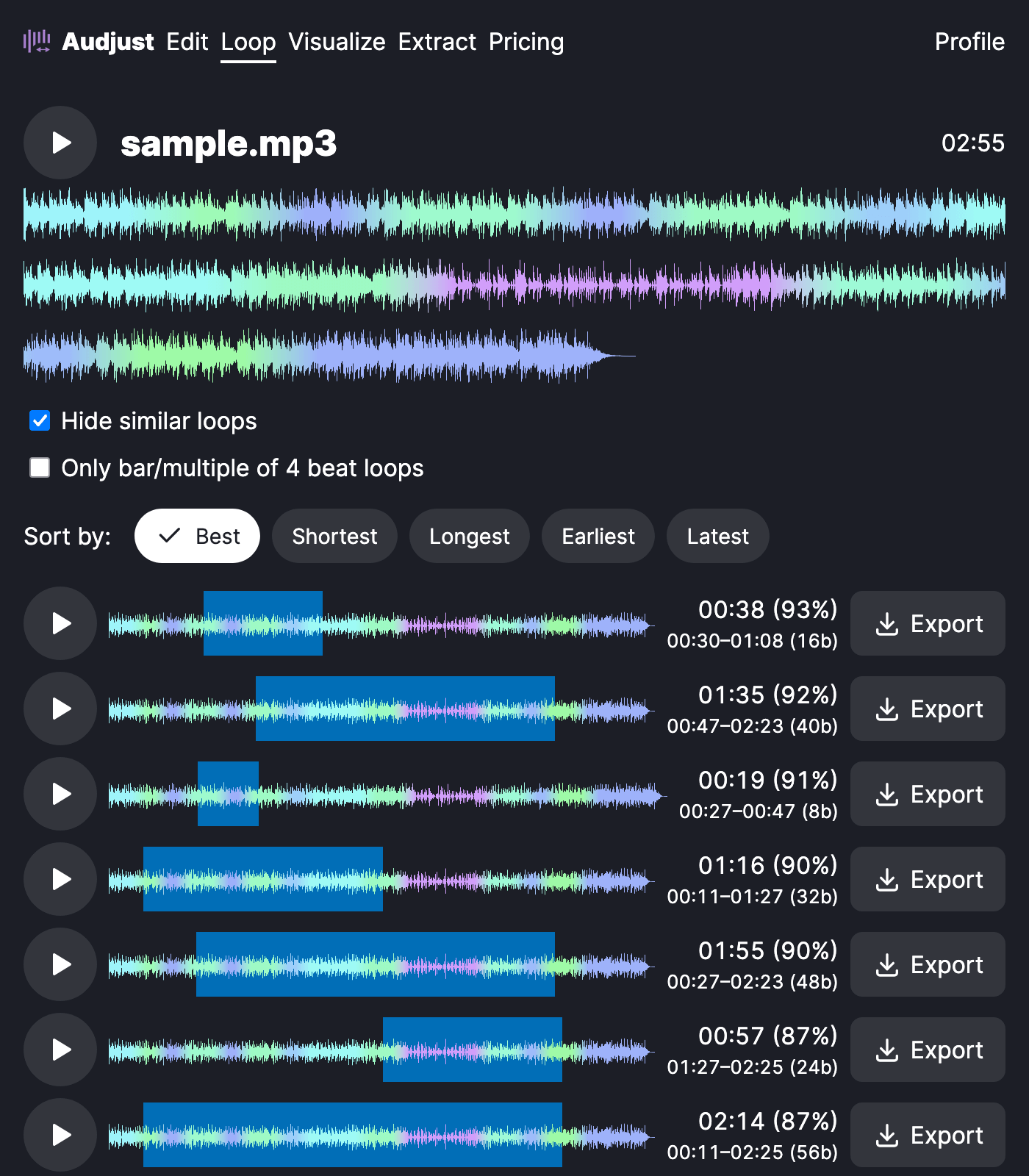
People usually reach for this when a short clip has to fill a long stretch: ambient sound under a video, a menu track in a game, a steady bed of music for a stream, or a focus track to keep playing while you work. You can also pull a short, repeatable chunk out of a longer song to reuse or sample.
One thing worth knowing: loops sound cleanest when the start and end land at the same point in the rhythm and at quiet, low-energy moments, so try to set your boundaries on a beat rather than mid-note. Audjust aims for this on its own, but a small manual nudge helps on busy tracks.
Will the join be audible? When the two ends match in level and timing, it isn't, and that match is exactly what the analysis here is looking for.
Start editing for free! →
No account or email required
