Audio Loop Maker
This audio loop maker takes a track you already have and builds a version that repeats cleanly. You give it a song or clip, it scans for the points where the end can rejoin the start without a click or jump, and it exports a looping file from them. It runs in your browser, it's free, and there's no signup or install. MP3 and WAV both work.
To make a loop, upload an audio file. The tool analyzes the track and shows where the cleanest loop points fall. Adjust the start and end on the timeline if you want a specific section, preview the join, then export the looping audio.
More content below
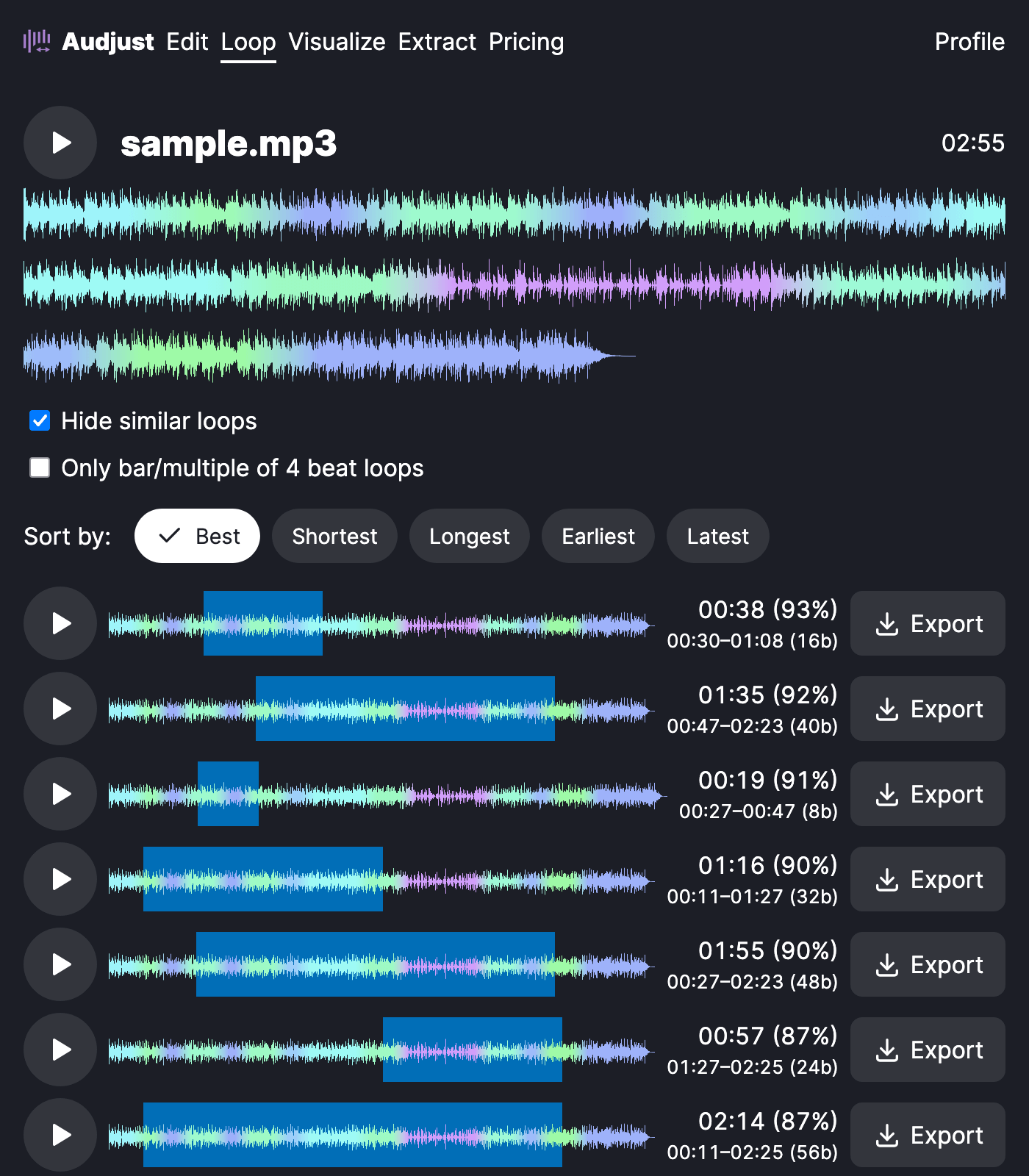
It helps when you need background music that holds for an unknown length of time, like a menu screen, a stream, or a focus session, and you don't want listeners to hear the track restart. It also pulls a tidy loop or sample out of a longer song to build something with.
One thing worth knowing: a loop sounds best when its start and end sit at the same point in the rhythm, usually on a downbeat. The tool looks for these matches on its own, but nudging the points to line up with the beat gives the smoothest result.
The question most people have is whether the loop will be audible. When the in and out points are chosen well, the repeat is inaudible, which is the point of building the file here rather than just setting a track to replay.
Start editing for free! →
No account or email required
