Audio Loop Online
Give it a track and it finds the cleanest points to loop between, then builds a version that repeats without an audible click, gap, or jump at the seam. Everything runs in your browser, so there's nothing to install and no account to make.
Upload an audio file (MP3 or WAV both work). Audjust analyzes the track and suggests loop points where the start and end line up. Keep its picks, or drag either point yourself to set the exact section you want, then export the looping version.
More content below
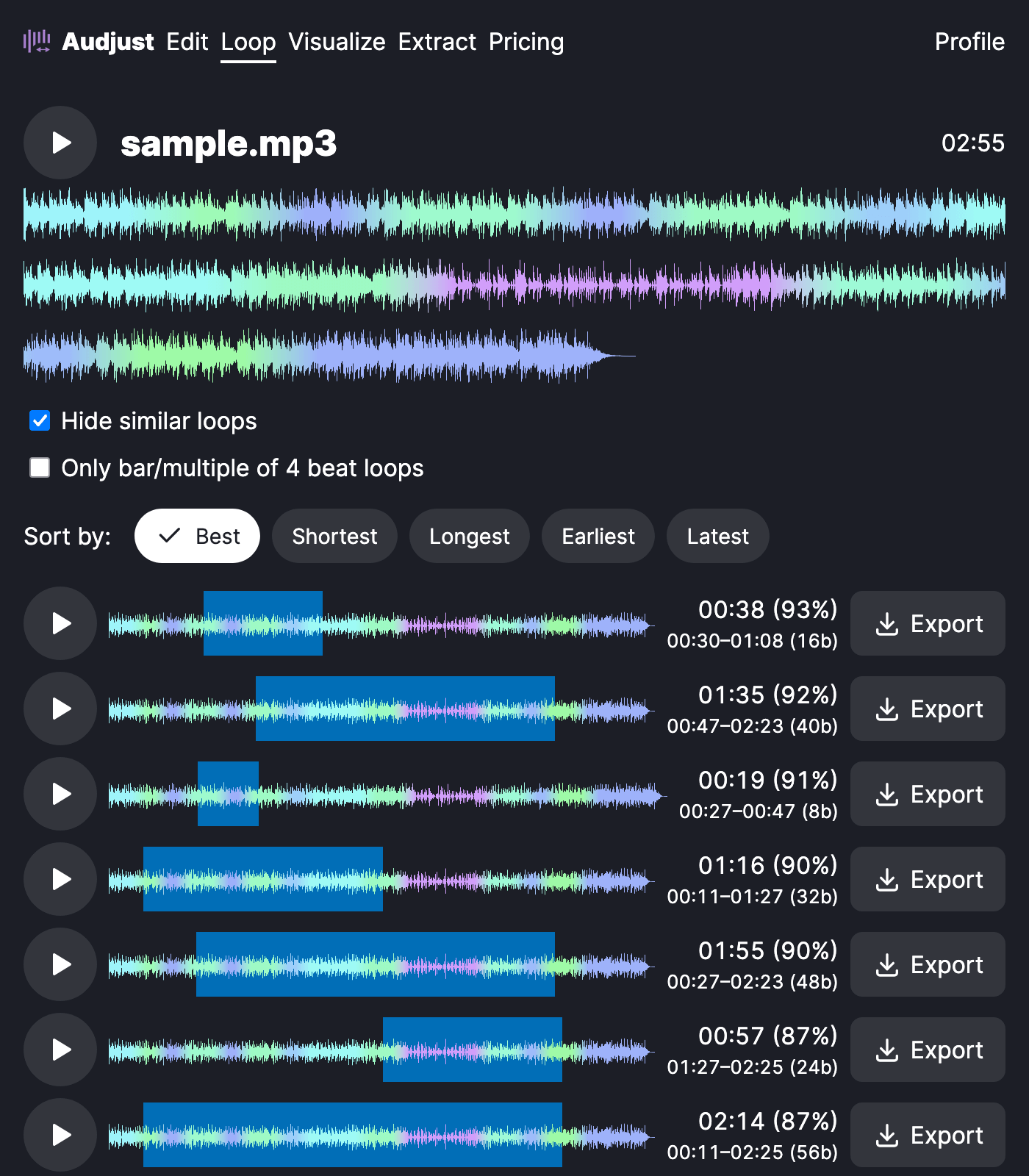
It's useful when you need background music that has to keep playing without anyone noticing it restart, like a track behind a stream, a slideshow, or a storefront playlist. It also works for pulling one repeating section out of a song to reuse as a loop or sample, and for study or focus tracks you want running for a long stretch.
One thing worth knowing: the cleanest loops usually start and end on the same beat, or at a quiet point in the track. If a loop sounds off, nudge the end point so it lands on the same spot in the bar as the start, and the seam will smooth out.
The exported file repeats cleanly on every cycle, so however your player loops it, the transition stays smooth. You choose where the section starts and ends; Audjust handles making the join inaudible.
Start editing for free! →
No account or email required
