Audio Looper
An audio looper takes a track and makes it repeat without an audible click or jump where the end meets the start. Audjust runs in your browser: it scans the audio, finds where the end matches back into the beginning, and builds a version that plays around that join cleanly. It is free, with no signup and nothing to install.
Load a file from your device. Let it analyze the track, then pick the loop region you want or use the points it suggests. Play it back to hear the join, nudge the start or end for a tighter result, and export the looping audio when it sounds right. You can also pull a single loop or sample out of a longer song if that is what you are after.
More content below
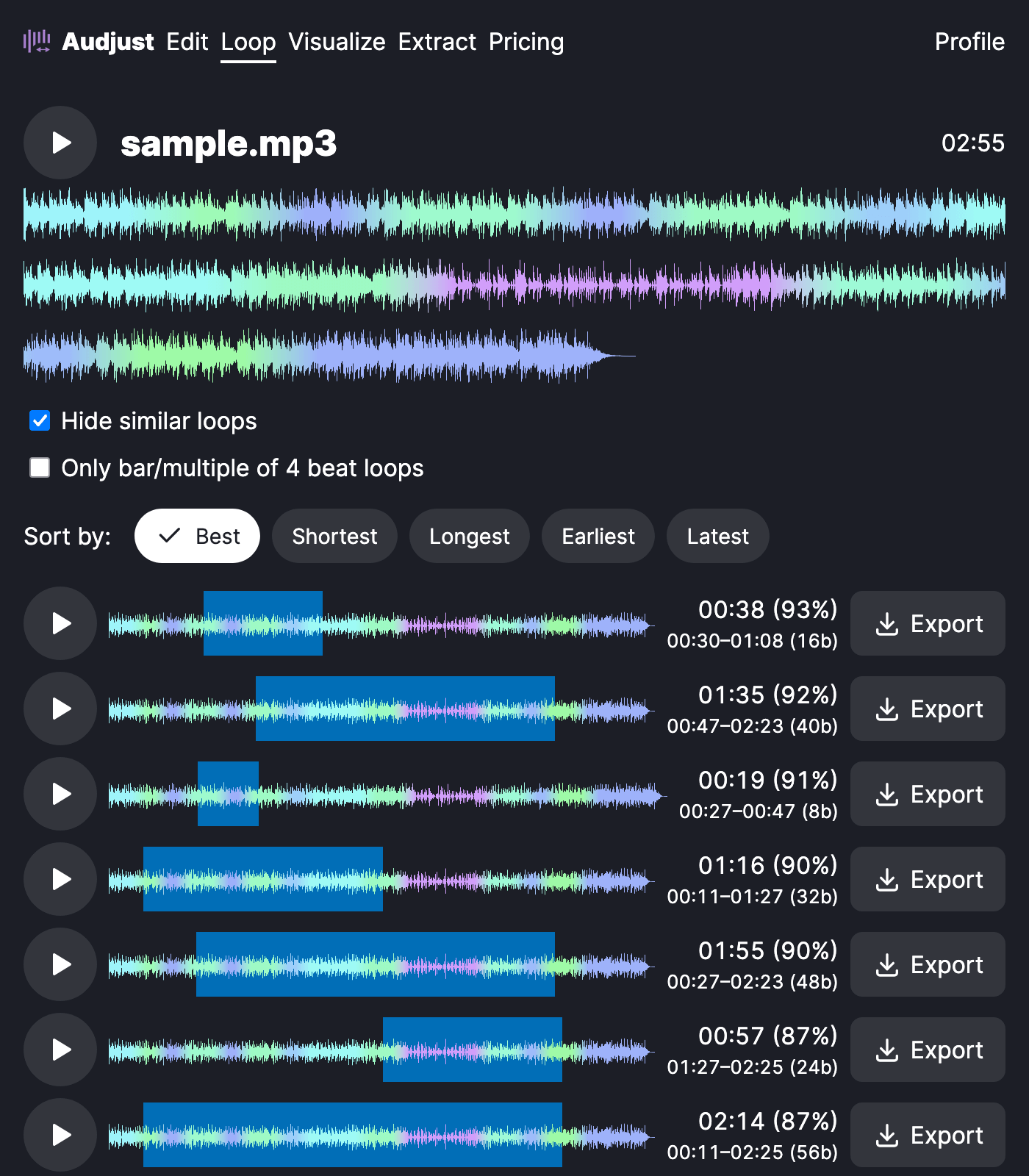
This is useful when you need long-running audio from a short piece: background music for a stream or a kiosk that has to keep playing, a loop or sample to drop into a track you are producing, or a calm section on repeat while you study without a gap breaking your focus every few minutes.
One tip: the cleanest loops come from steady, even sections rather than a big drum hit or a fading note right at the boundary. If a loop sounds bumpy, move the start or end slightly so both ends sit at a similar volume and the join disappears.
When the two points line up, the repeat is inaudible, so a 30-second section can play for hours as one continuous piece.
Start editing for free! →
No account or email required
