Drum Beat Loop Extractor
This tool takes the drum section you mark in a song or video and saves it as its own MP3 or WAV file. You set a clean in and out point around the bars you want and pull just that passage out, with no signup and no install.
To use it, upload an audio file. When the waveform loads, drag the selection handles around the drum break or beat you want. Listen back to check the edges land where you expect, nudge them if needed, then export the section as MP3 or WAV.
More content below
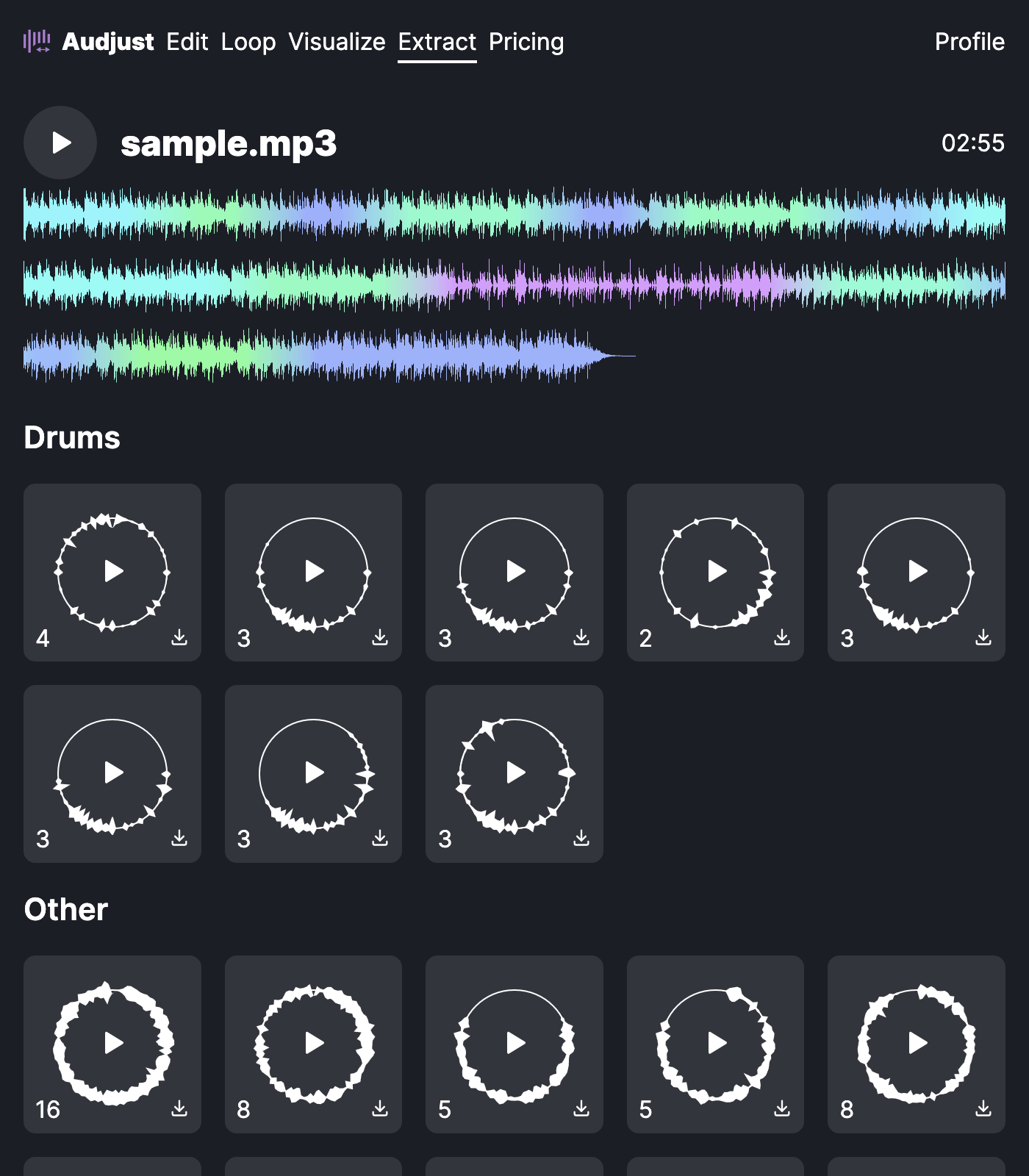
It helps when you want the drum part of a track on its own, like grabbing a four-bar break from an old funk record to sample, or pulling an intro drum groove out to study its timing. Unlike a loop player, the result is a downloaded file you can drop into a DAW or sampler.
A practical tip: place your start and end points right on a downbeat so the section repeats without a stutter or gap. Zoom in and put each cut at the transient where the kick hits. Trimming to a whole number of bars keeps it in time when you loop it later.
One common question: does it isolate only the drums from a full mix? No. It does not separate stems. It exports the exact slice of audio you select, so you get clean drums when that part of the song is an actual break or a passage where the drums play alone or clearly dominate.
Start editing for free! →
No account or email required
