Loop Audio
This tool takes an audio file and turns it into a version that plays from end back to start without a click, pop, or obvious gap. You point it at the part you want to repeat, and it finds loop points where the waveform lines up so the join is hard to hear. It runs in your browser, it's free, and there's no signup or install.
To use it, load an MP3 or WAV by uploading a file. Pick the section you want to loop, or let the tool suggest loop points across the track. Play it back to check the join, nudge the start or end if you want a tighter cut, then export the looped audio.
More content below
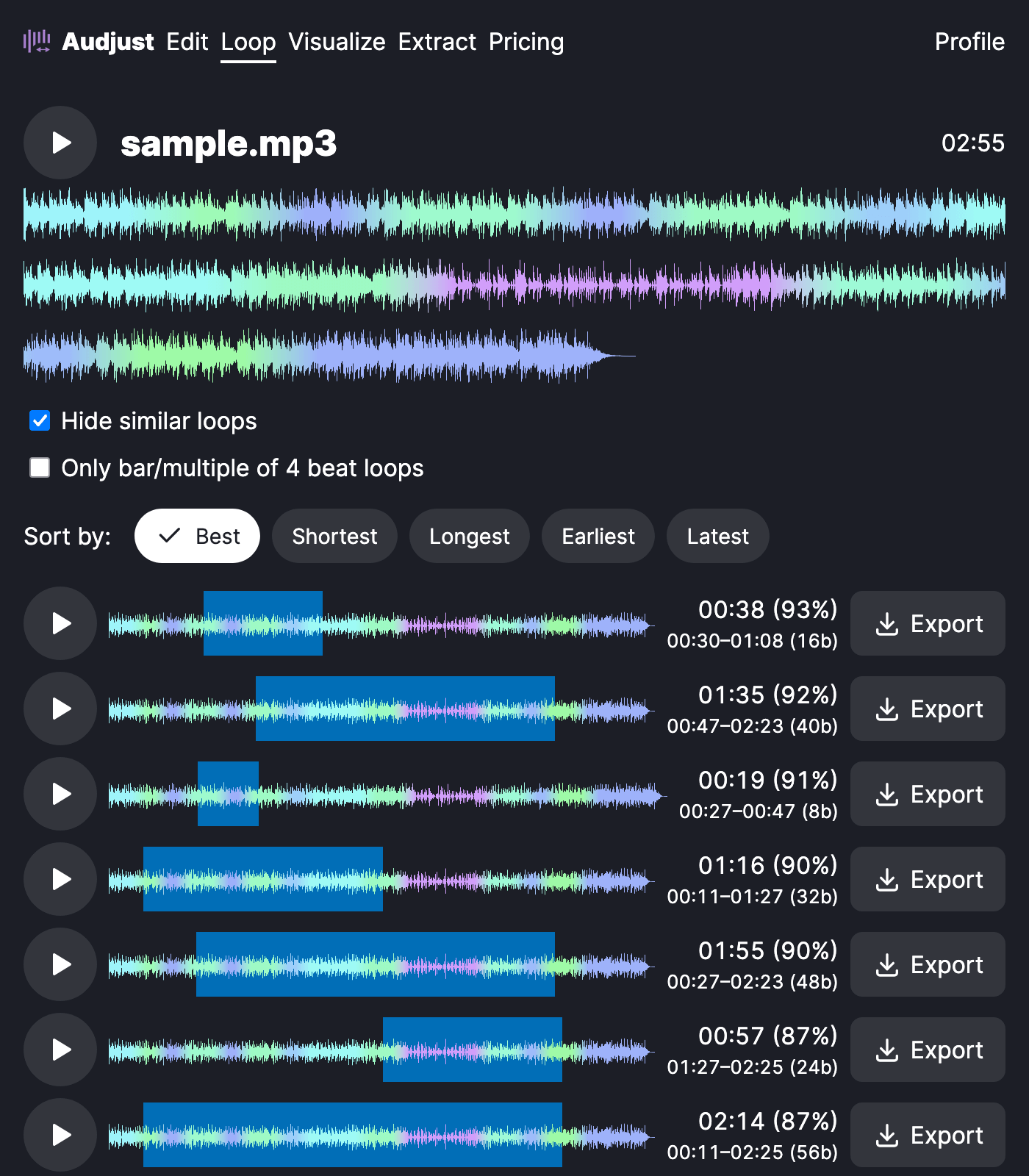
People usually loop audio for background music that has to run for an unknown length of time: a stream, a kiosk, a slideshow, a waiting screen, or a study and focus track. Instead of a track that ends and restarts with a jolt, you get one that comes back around without a noticeable break. Producers also loop a few bars to pull a usable sample out of a song, or build loops for games and video.
One thing worth knowing: the cleanest loops happen where the audio is steady, like a sustained pad or a repeating drum pattern. Loop points across sudden volume changes or vocal phrases are much harder to hide, so favor calmer sections when you can.
The question most people ask is whether a loop will actually sound seamless. It can, as long as the start and end match in pitch and level. This tool finds those matching points for you, so the repeat blends instead of clicking.
Start editing for free! →
No account or email required
