Loop Audio AI
This tool analyzes a track and picks the cleanest points to start and end the repeat, so the join is hard to hear. Instead of guessing where to cut, it reads the waveform and lines up the loop so the music comes back around without a click, gap, or jarring jump. It runs in your browser, it's free, and there's no signup or install.
To use it, load a file (MP3 or WAV both work). The tool analyzes the track and suggests loop points. Preview the loop, nudge the start and end for a longer or shorter section, then export the looping version.
More content below
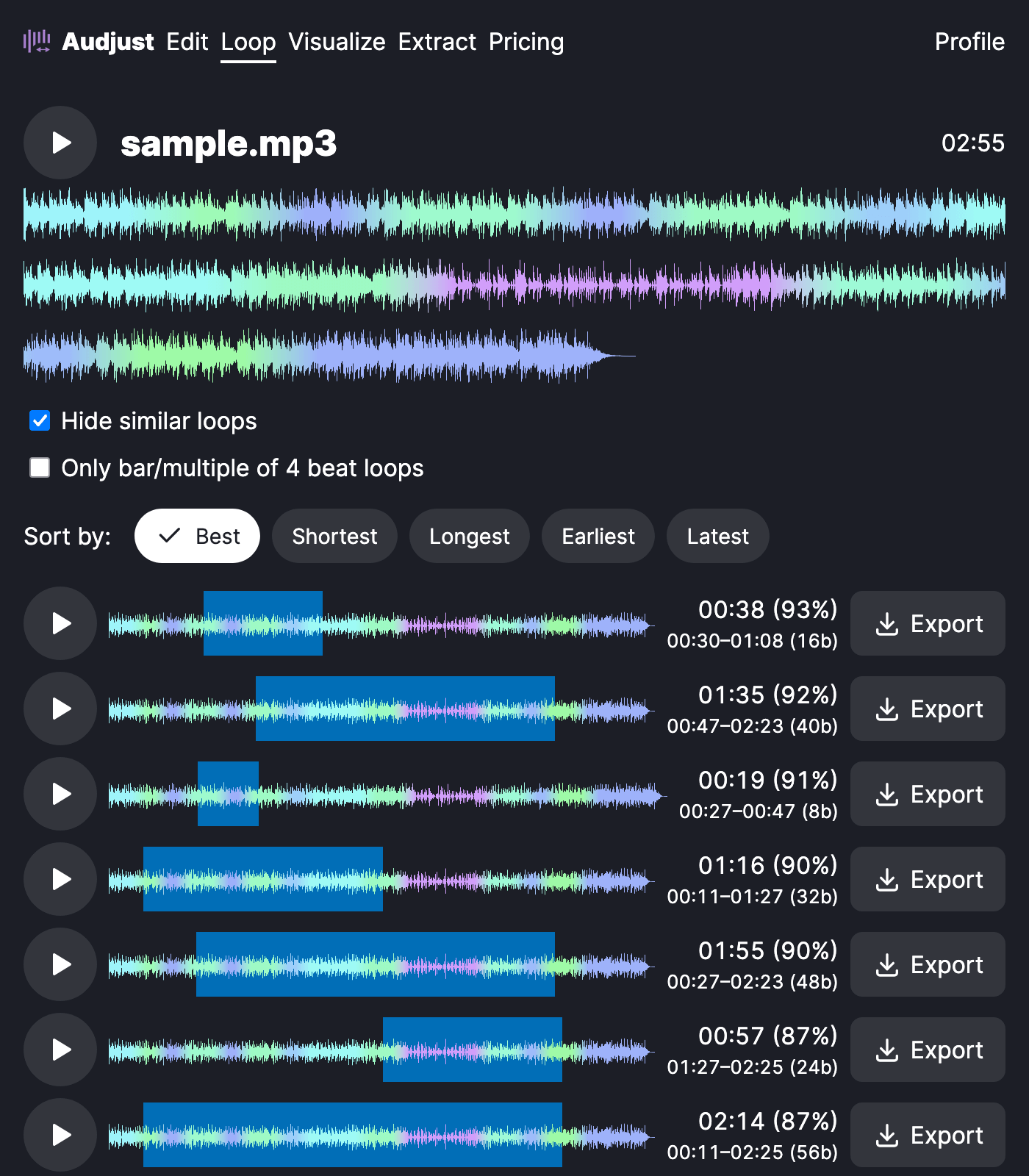
A common reason people search for this is background music: a short clip that has to repeat for minutes without anyone noticing the seam. The AI does the tedious matching so the restart blends in. It also works for pulling a clean loop or sample out of a longer song, or making a study or focus track that runs as long as you need.
One thing worth knowing: loops sound best when the start and end sit at similar points in the rhythm and energy, so a span that begins and ends on a beat usually beats a random crop. The suggestions aim for this, and you can fine-tune by ear.
Does "AI" mean it's automatic? Mostly. It runs the analysis and proposes the loop, but you stay in control and can move the points before exporting, so you get a result you actually like instead of a fixed guess.
Start editing for free! →
No account or email required
