Loop Audio Online
Upload an audio file, and Audjust analyzes the track and suggests loop points where the start and end line up. Listen to the repeat, nudge the in and out points for a shorter or longer loop, then export the looping version. It runs in your browser, with no signup or install, and works with common files like MP3 and WAV.
This is for audio that needs to keep going. Background music for a stream, a booth or kiosk that plays for hours, or a quiet study track all sound better looping back on themselves than cutting off and restarting. Producers can also use it the other way around, pulling a clean loop or sample out of a song.
More content below
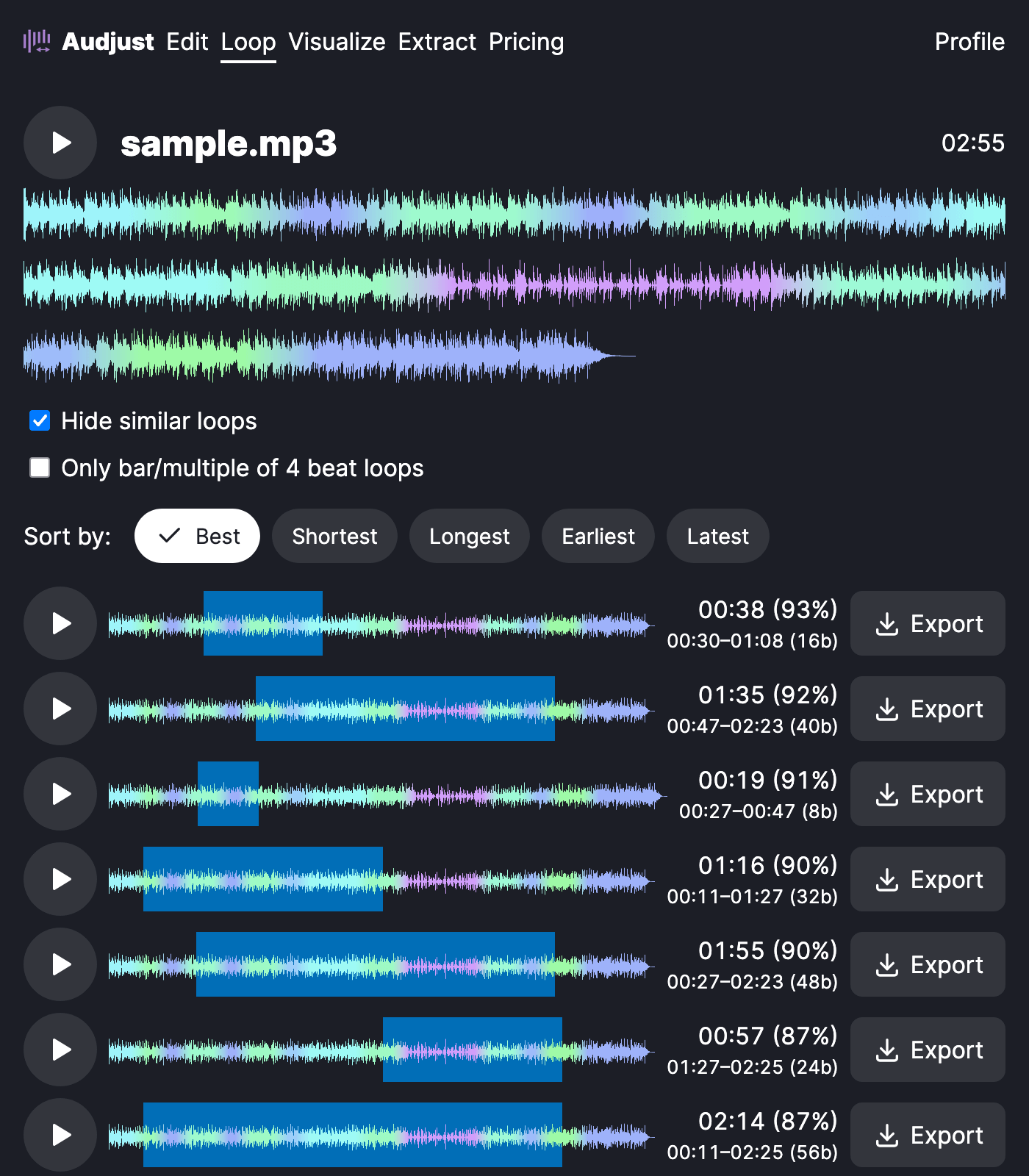
One thing worth knowing: a loop sounds cleanest when the cut lands on a beat at a quiet moment where the volume and instruments roughly match across the seam. Matching those points does more for a smooth loop than nailing the exact millisecond.
The usual question is whether anyone will hear the repeat. With well-chosen points they usually won't, though busy or constantly shifting music hides a seam less easily than a steady groove. Try a couple of different loop points and keep the one your ear can't catch.
Start editing for free! →
No account or email required
