Loop Finder
A loop finder handles the hard part of looping: finding the two points in a track where the audio lines up closely enough to repeat without a click, thud, or obvious jump. Audjust scans your file, locates those points for you, and builds a version that plays over and over with nothing audible at the join. It runs in your browser, it's free, and there's no signup or install.
Upload an MP3 or WAV and let it analyze the track. It marks the loop points it finds. You can preview the loop, nudge the start or end to grab a different section, and export the looping file.
More content below
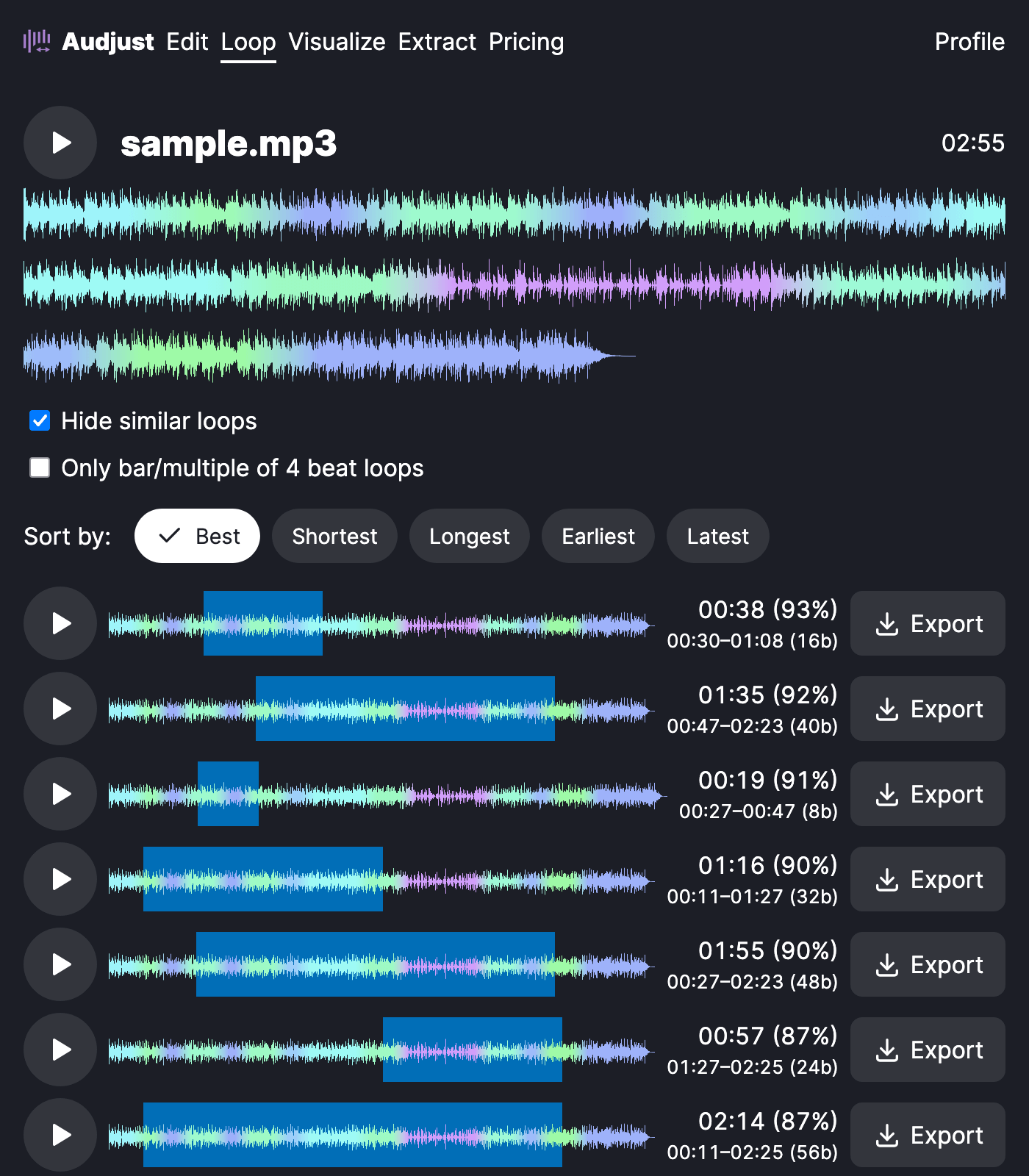
This helps when you have background music that needs to run for an unknown length: a menu screen, a stream, a video that has to fill a few minutes, or a study or focus track. Producers also use it to pull a clean, repeatable bar or phrase out of a song to build on.
One thing worth knowing: loops sit best where the rhythm and tone already match, often at the start of a bar or on a held note. If a spot still clicks, move the loop edge a little and preview again.
Does it find the loop points on its own? Yes. It detects them automatically, and you can adjust them by hand when you want to choose exactly which part repeats.
Start editing for free! →
No account or email required
