Loop MP3
This tool takes an MP3 and makes it repeat without an audible seam. It scans the track for the cleanest points to join the end back to the start, so the file can play on a loop and you never hear a click, drop, or jump at the join. It runs in your browser, it's free, and there's no signup or install.
To loop an MP3, open the tool and upload your file. Audjust analyzes the audio and shows a timeline with suggested loop points. Pick the section you want to repeat, or use the whole track, preview it looping right on the page, nudge the start and end for a tighter join, then export the looped MP3.
More content below
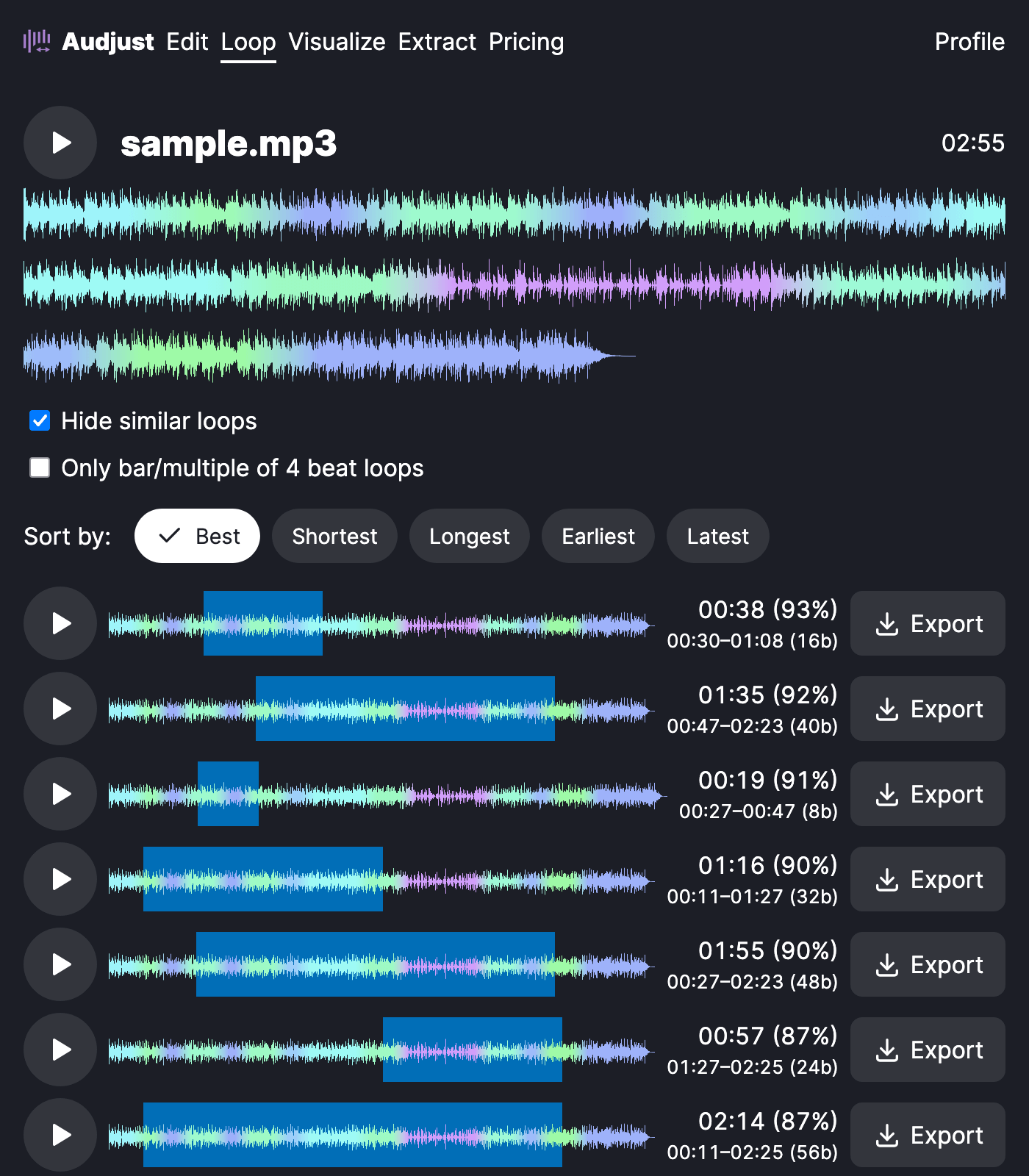
This is useful when you need background music that holds under something else: a stream or Twitch waiting screen, a kiosk display, or a video that runs longer than the song. Instead of an MP3 that ends and restarts with a gap, you get one that comes back around without a break. It also works for pulling a single bar or phrase out of a track to repeat as a study or focus loop.
A clean loop depends on matching the audio at both ends, so points that land on a beat or at the end of a musical phrase sound far better than a cut made mid-note. Let the suggested points guide you, then fine-tune by ear.
Will it loop forever? The export is a finite file, but it's built so that when your player repeats it, the seam is inaudible and it plays as if it never ends. MP3 and WAV both export.
Start editing for free! →
No account or email required
