Loop Music AI
This tool takes a song and works out where it can repeat without an obvious jump. Instead of guessing at bar lines or fading in and out, it analyzes the audio, picks the cleanest start and end points, and builds a version that comes back around without an audible seam. It runs in your browser, it's free, and there's no signup or install.
To use it, load a track by uploading an MP3 or WAV. The tool analyzes it and suggests loop points on the timeline. Play the loop to hear where it repeats, nudge the start or end if you want a different section, and export the looping version when it sounds right.
More content below
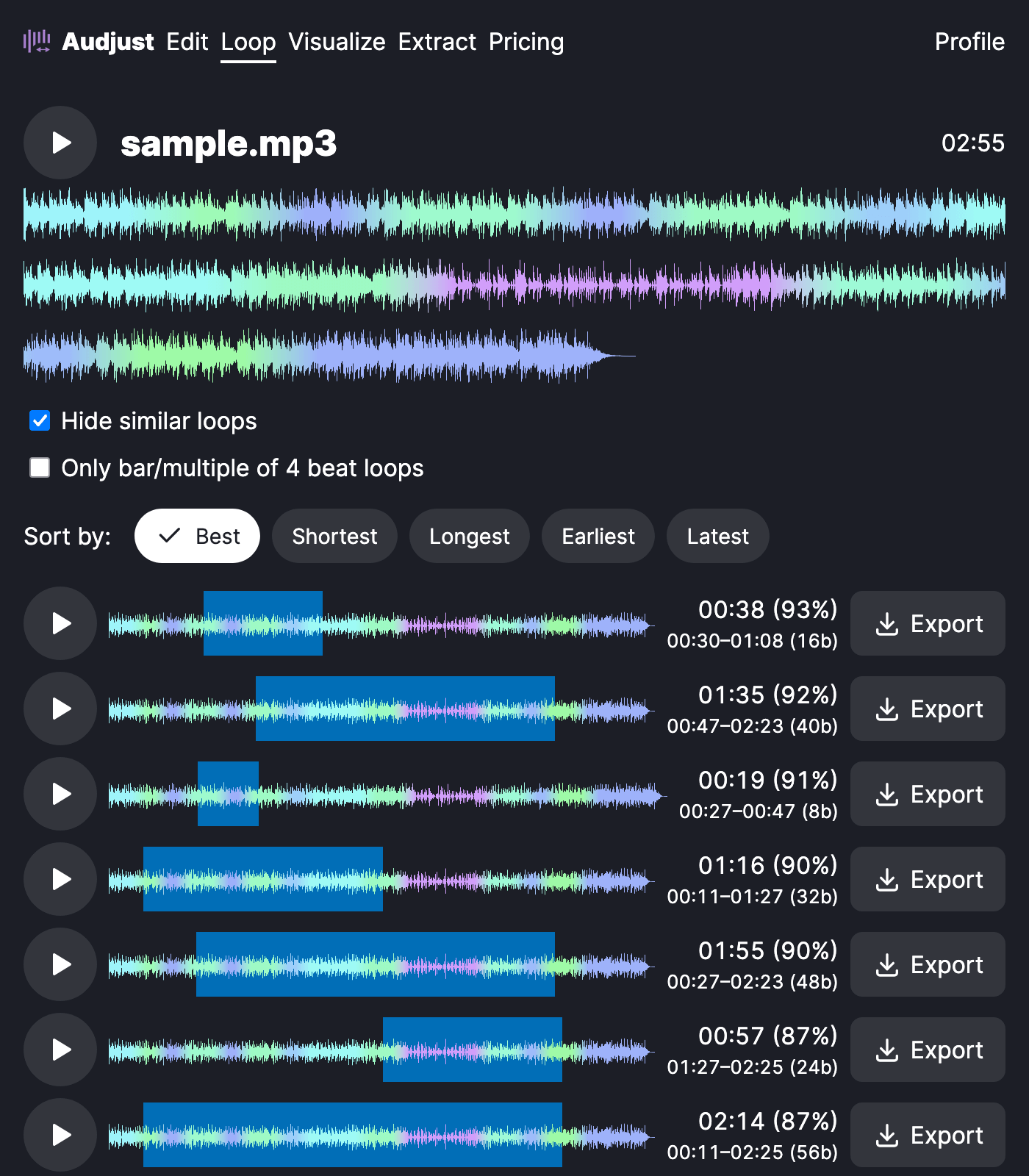
This is handy when you need music that just keeps going: a focus or study track running for an hour, background audio for a stream or video, or a section pulled out as a loop or sample to build on in a DAW.
The cleanest loops usually come from steady, repeating parts of a track, like a groove or a sustained section, rather than across a buildup or a drop. If the first suggestion has a slight bump, move one edge to the matching point in the next bar and it usually tightens up.
The question most people have is whether the AI writes new music. It doesn't. It loops audio you already have by finding good repeat points, so the sound stays the original track, just extended as long as you want.
Start editing for free! →
No account or email required
