Loop My Song
You have a specific song and you want it to play on repeat without that jarring jump where the end slams back into the start. This tool reads your track, finds the points where the audio can wrap around cleanly, and builds a version that loops with no audible seam.
Upload an MP3 or WAV. Audjust analyzes the song and picks loop points that land on the beat. Preview the result, drag the start or end to make the loop tighter or longer, then export it. If you only want a piece of the track, you can pull a single loop or sample out of the song the same way, which is handy for producers building beats.
More content below
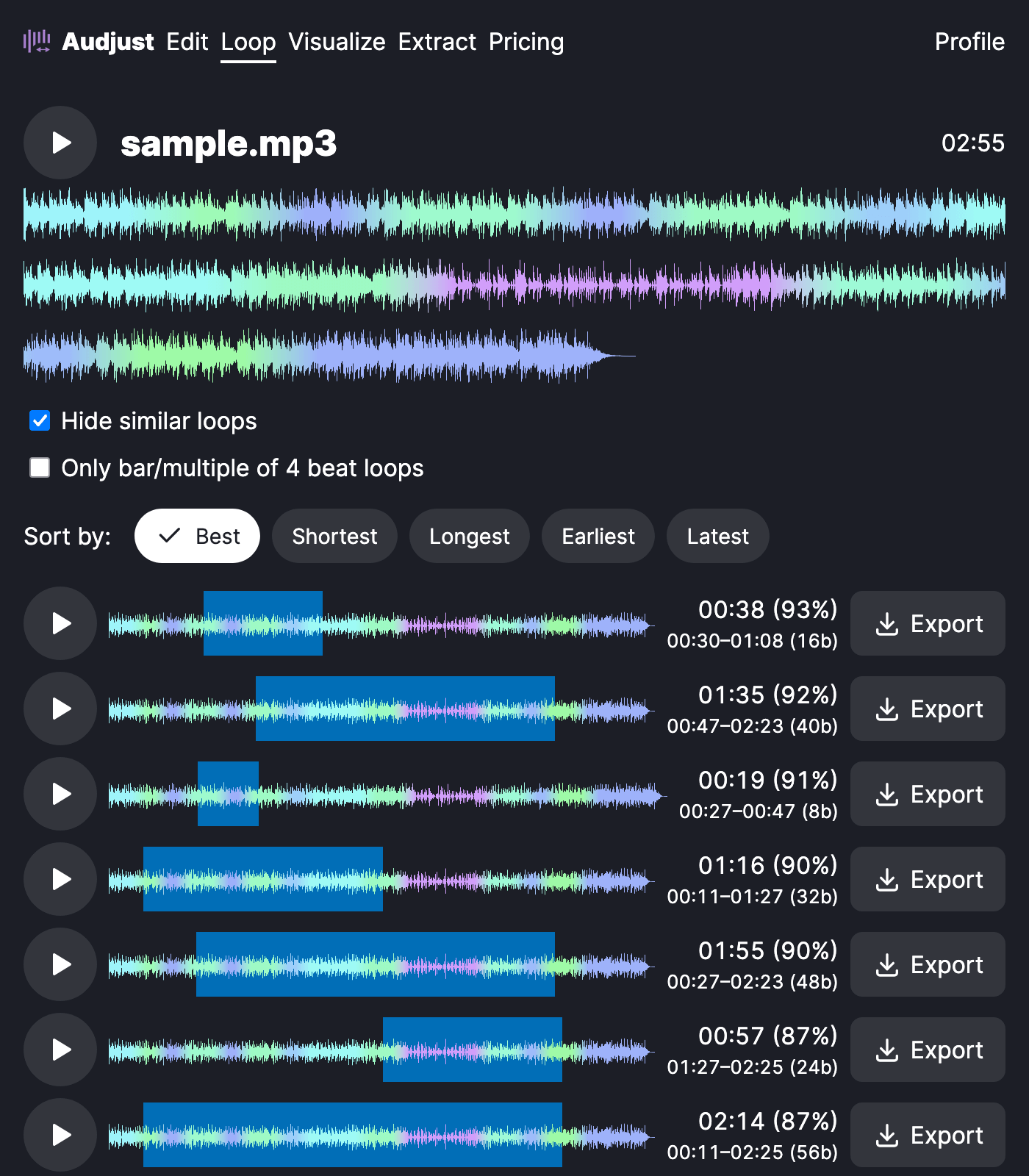
This fits the case where you have one song you actually like and want it as steady background: behind a livestream, on a menu screen, in a study or focus track, or under a video that runs longer than the song. Instead of fading out and restarting, it just keeps going.
One thing to know: songs with a clear, steady beat loop best, because the tool has obvious points to match. A long fade-out or a one-off intro that never repeats is harder to loop invisibly, so trim those off first if you can.
The usual question is whether the loop is truly gapless. It is. The export plays end-to-start with no click and no silence, so you can set a player to repeat and let it run as long as you need.
Start editing for free! →
No account or email required
