Loop Song
This page is for looping a whole song. You upload a track, Audjust finds the points where the end can rejoin the start cleanly, and you get a version that plays over and over with no click or silent gap at the seam. It runs in your browser, it's free, and there's nothing to install or sign up for.
Drop in an MP3 or WAV. Audjust scans the track and suggests the cleanest loop points. Press play to hear the join, nudge the start or end if you want a different section, then export the looping version.
More content below
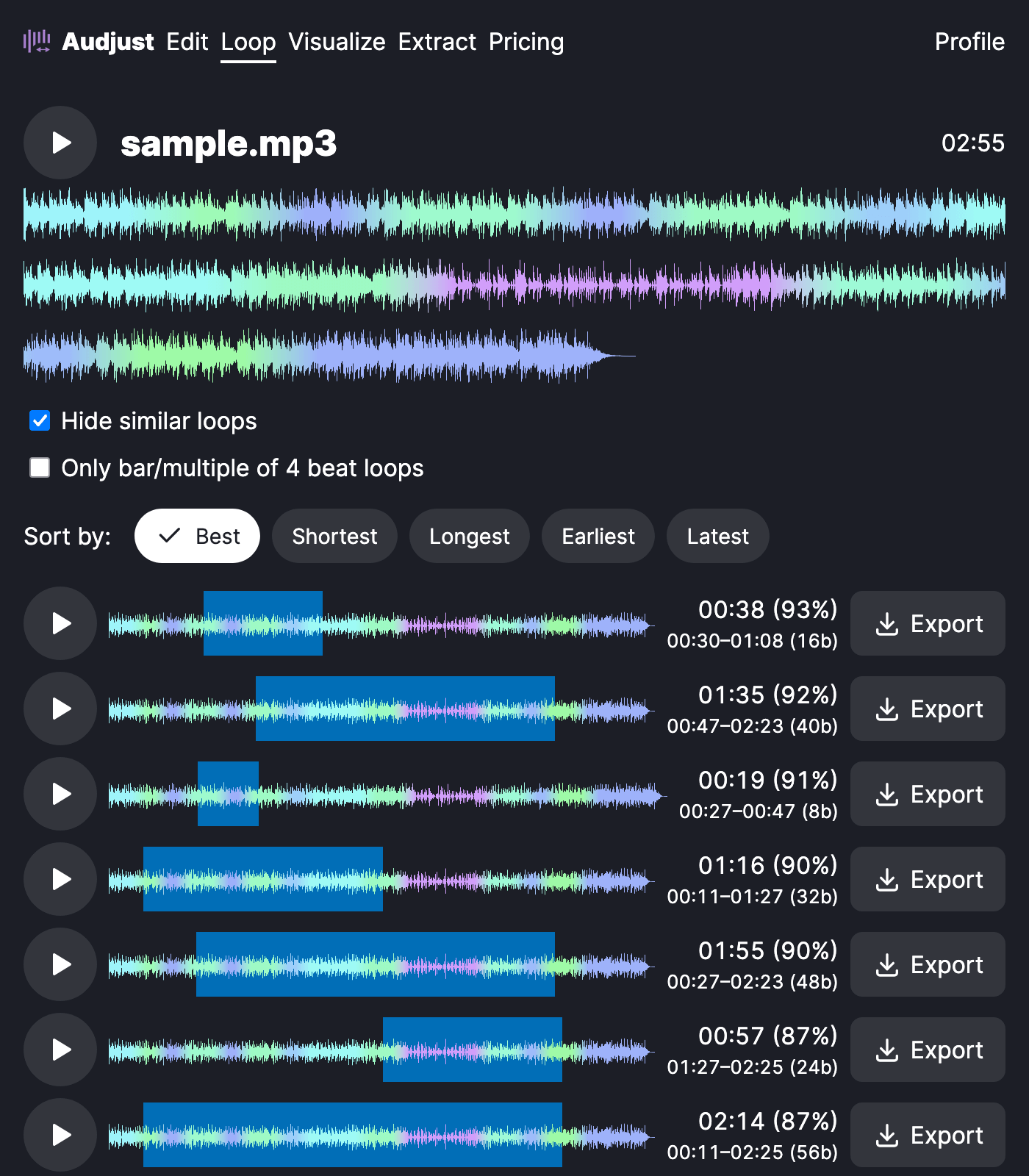
This helps when one song needs to fill a long stretch without restarting awkwardly: music under a stream overlay, background sound for a party or shop, or a focus track you'd rather not hear reset every few minutes. You can also pull a shorter loop or sample out of the song if that's what you're after.
Not every part of a song loops equally well. A spot with a steady beat and no big melodic change at the boundary joins most cleanly, so if a loop point sounds off, drag it to a calmer part of the track and listen again. When the start and end land on the beat at a similar volume, the repeat is hard to notice, which is what the loop finder aims for.
Loop the full song or trim it to just the part you want repeating, then play or download the result.
Start editing for free! →
No account or email required
