Loop Song Online
This page is also available in other languages: Deutsch, 한국어, 日本語, Español, Português (Brasil), Français
This page loops a song so it repeats with no audible seam, all in your browser. You give Audjust a track, it picks the points where the end meets the start most cleanly, and you get a version that plays on repeat without a click or jump at the join.
To use it: upload an audio file (MP3 or WAV), let it analyze the track, then preview the loop it suggests. You can nudge the start and end points to hold a specific section, listen to the join, and export the looping version when it sounds right.
More content below
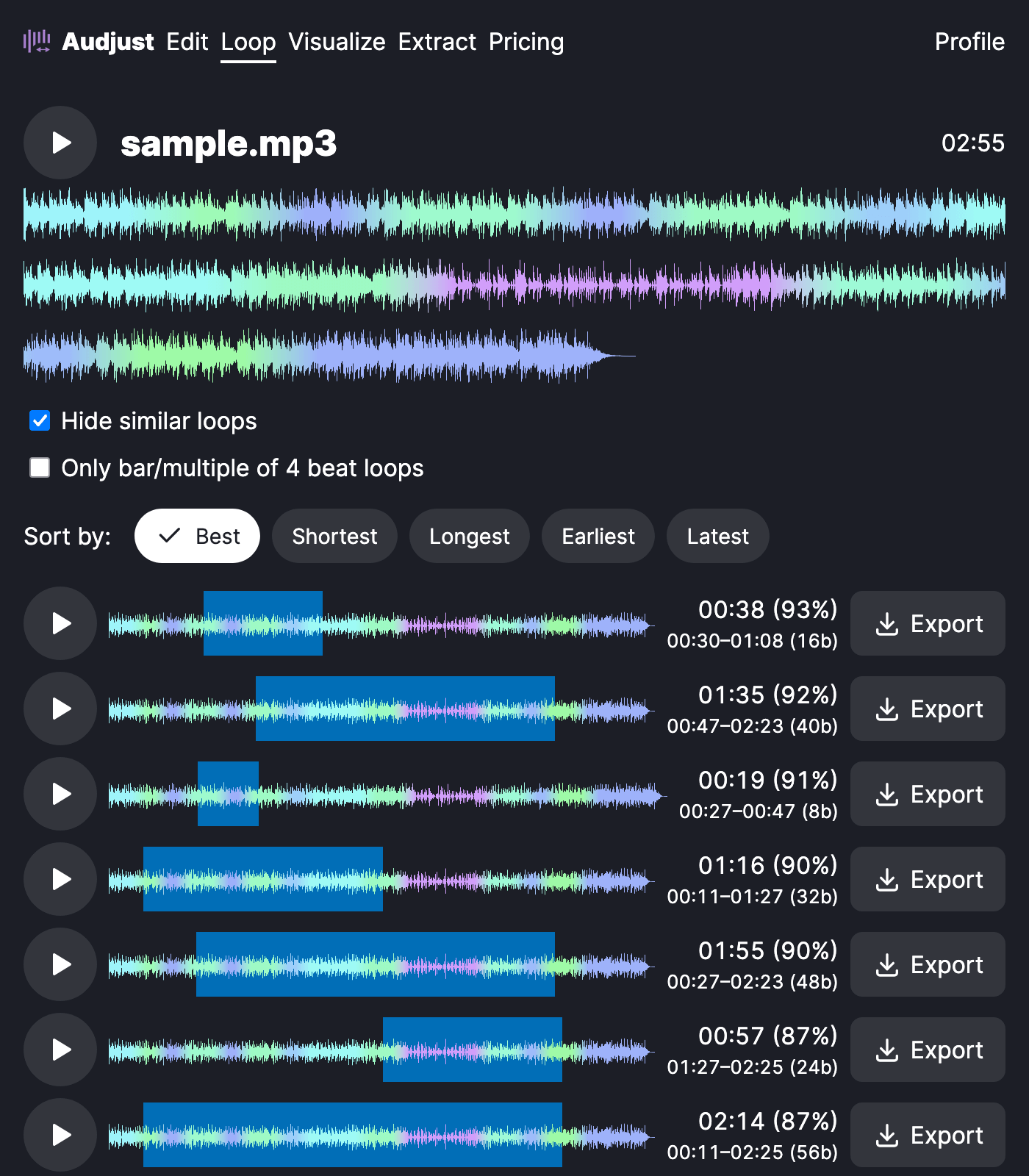
The reason to loop a whole song is length. A three-minute track can run as long as you need: background music for a stream that never abruptly restarts, a focus or study track you don't have to restart by hand, or ambient audio for a video or kiosk that plays on repeat. You can also pull one section out and loop just that, when only the chorus or intro is the part you want to hold.
One thing worth knowing: a clean loop depends on matching the audio where the end meets the start, so points on the beat and at similar volume hide the seam best. Tracks with a hard ending or a long fade are harder, so loop from a steadier middle section.
Can you really do this in a browser, for free? Yes. Nothing installs, the audio is processed for you, and you download the looped result when you're happy with it.
Start editing for free! →
No account or email required
