MP3 Audio Looper
This tool takes an MP3 you already have and finds the two points where the start and end of a loop line up best, so the spot where the file restarts is hard to hear. Load your MP3 (a WAV works too), let it analyze the file, and check the loop points it suggests. Nudge them in or out for a shorter or longer loop, preview the repeat to hear how the join sounds, then export.
It runs in your browser, it's free, and there's no signup or install.
More content below
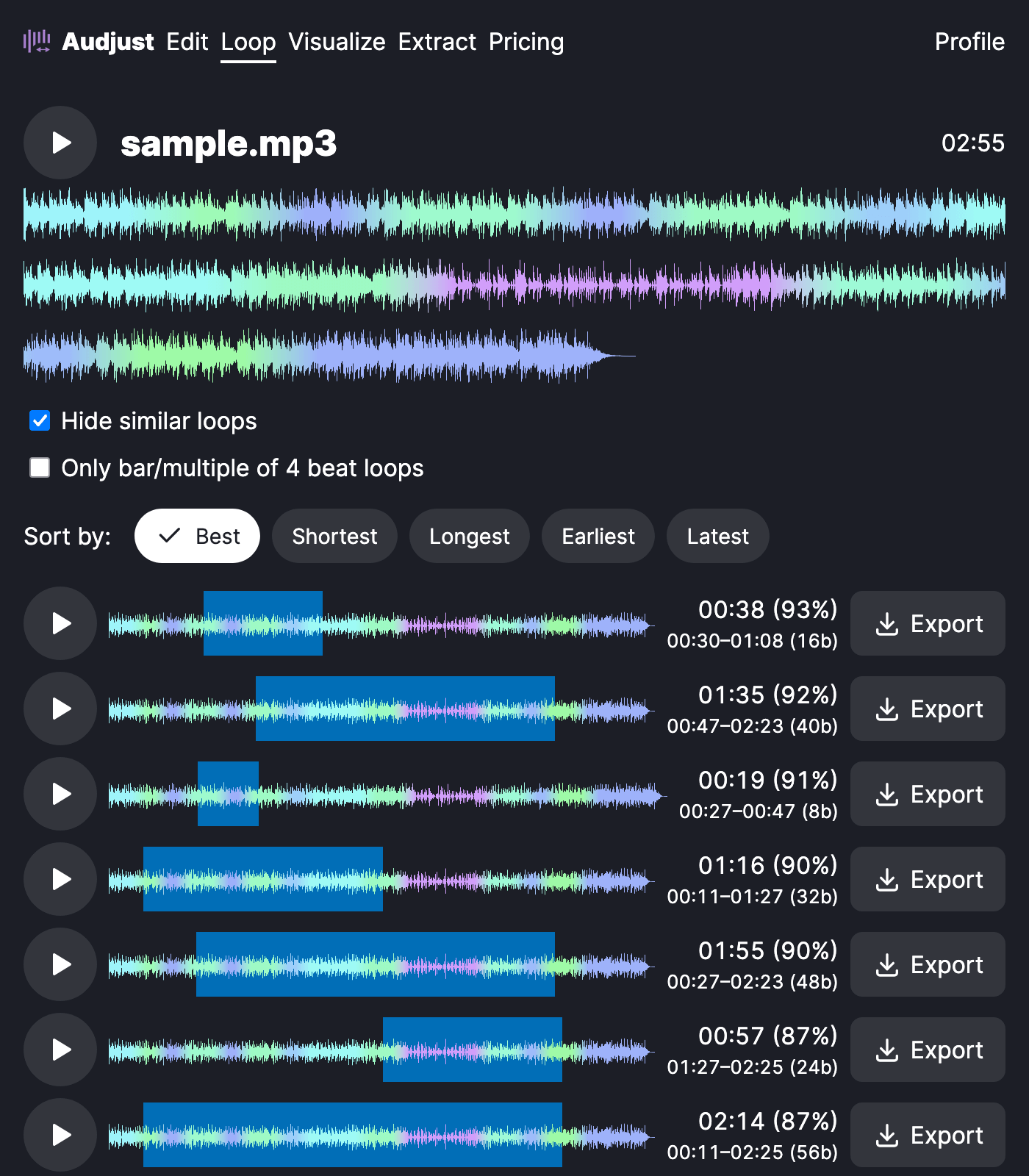
MP3 has a quirk worth knowing about: the encoder adds a tiny bit of silence at the very start and end of the file. That padding is part of why simply setting an MP3 to repeat often clicks at the loop point, you can hear the gap. This tool sets the loop just inside the real audio, past that padding, so the seam stays quiet.
It's useful when you have one MP3 and need it to keep playing: music behind a slideshow or stream, one song on repeat for studying without a jolt every few minutes, or a short loop to drop into a game or video timeline. You can also pull a single loop or sample out of a longer track.
The usual worry is whether the result actually sounds smooth or is just the same file set to repeat. Because the loop points come from where the waveform matches, the restart blends in rather than cutting off, and a careful listen usually won't catch where it loops.
Start editing for free! →
No account or email required
