Music Loop Finder
A music loop finder scans a track to find where it can repeat without an audible click or jump. Rather than hunting for a loop point by ear, you let the tool compare sections of the audio, find spots where the waveform and beat line up, and join them so the end flows back into the start. It runs in your browser, free, with no signup or install, and works with files like MP3 and WAV.
To use it, upload an audio file. Audjust analyzes the track and suggests loop points where the music matches. Preview the loop, drag the start and end to take a longer or shorter section, then export the looping version.
More content below
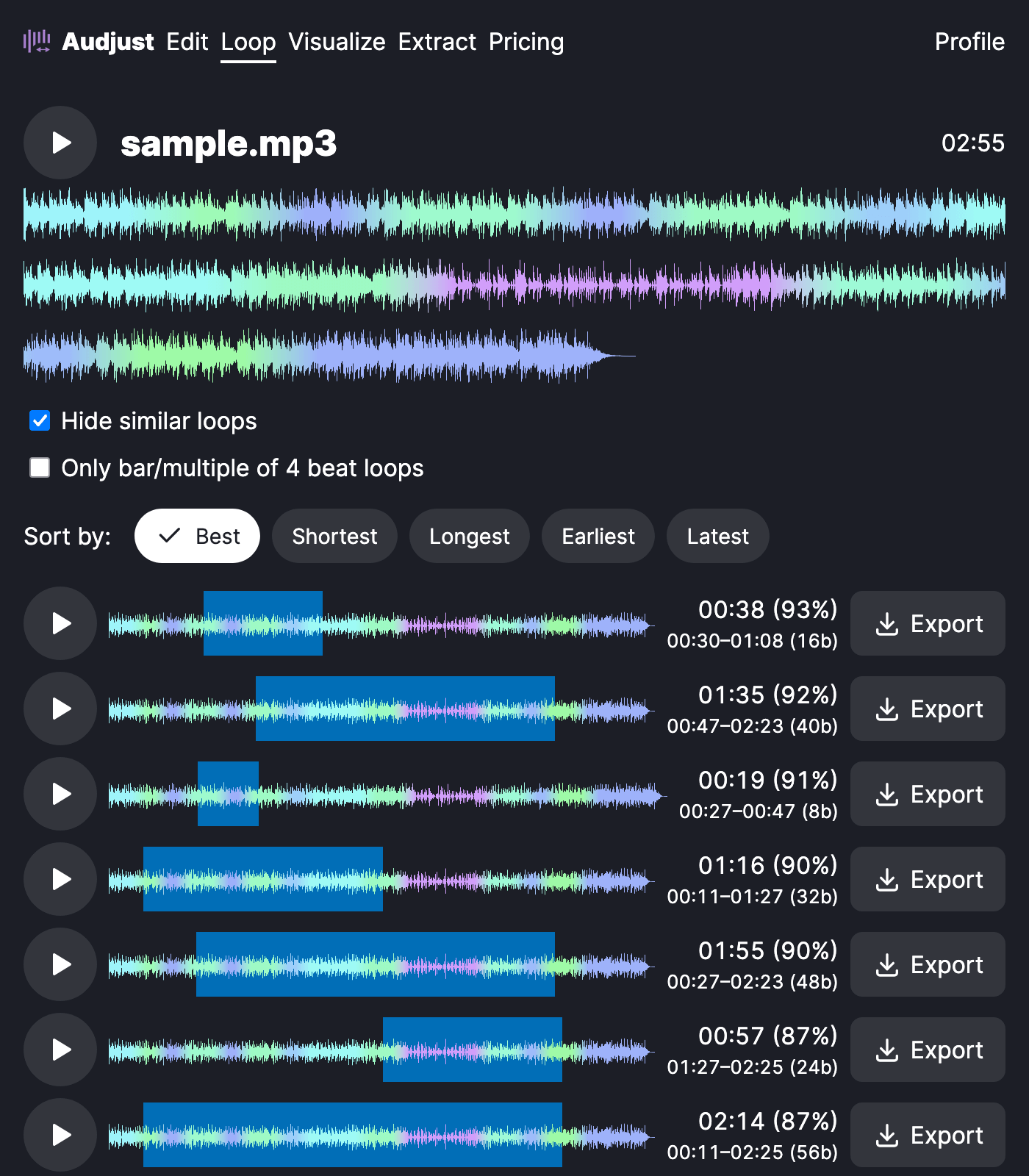
It helps when a track needs to play continuously, like background music for a stream, a menu screen, or a focus playlist, but the original just stops or fades. You get a version that runs as long as you need without an obvious break.
You can also pull a single loop or sample out of a larger song, grabbing one bar or phrase that stands on its own, which is handy if you produce music.
One thing worth knowing: the cleanest loops come from steady, repetitive sections. A constant groove loops better than parts with tempo changes, vocals cutting in, or a fade-out, so aim the loop region at the most consistent stretch.
A common question: does it really loop without a gap? It finds the lowest-seam points the track allows, and you can fine-tune the boundaries yourself, but the result depends on how repetitive that part of the music is.
Start editing for free! →
No account or email required
