Music Loop Maker
This music loop maker takes a song or audio clip and produces a finished looping version you can export and play on repeat. It looks for the spot where the end of your selection can rejoin the start without a click, gap, or jump, so the track comes back around and keeps going.
To make a loop, upload an MP3 or WAV, let the tool analyze the audio, and pick the section you want to repeat. It finds matching loop points near your selection, you preview the join, then export the looping file. Everything runs in the browser, with no signup and nothing to install.
More content below
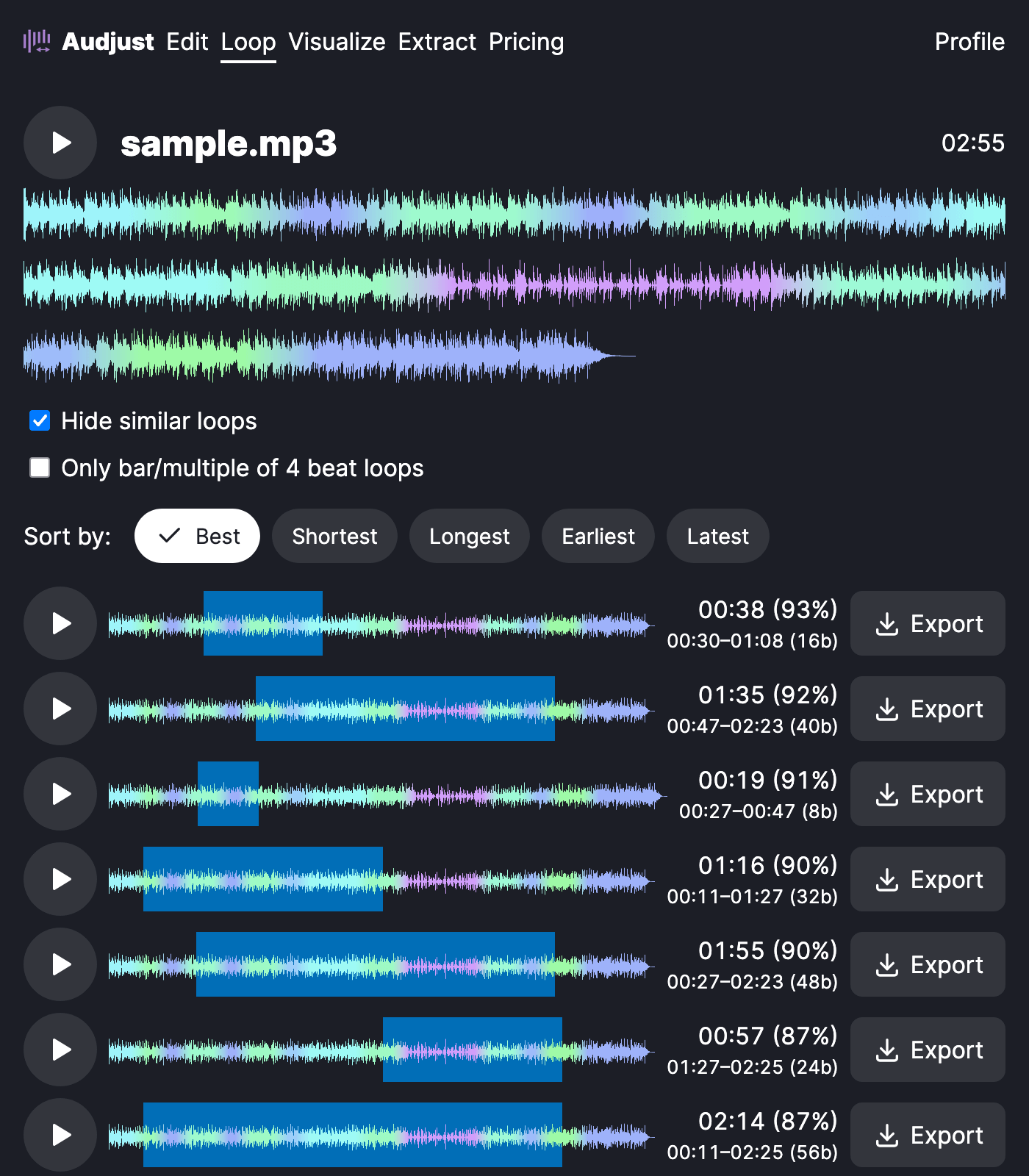
This is useful when you need a short piece of music to run continuously: a background bed for a stream, a menu track for a game, or a loop you can leave playing while you study or work. Producers also use it to pull a clean, repeatable loop or sample out of a longer song.
One thing worth knowing: the cleanest loops usually land on a musical boundary, like the start of a bar or a phrase. If a loop sounds slightly off, nudge your loop points onto the beat and the seam tends to disappear.
Whether it sounds smooth comes down to whether the loop points line up, which is what the tool checks for you instead of leaving it to your ear. You can adjust the points and re-preview as many times as you want before exporting.
Start editing for free! →
No account or email required
