Music Looper
Audjust is a music looper that takes a song and makes it play continuously, with no audible jump where the track restarts. Instead of repeating a file end to end, it finds the points in the audio where the waveform lines up, so the loop comes around without a click or a sudden cut. It works right in your browser, it's free, and there's no signup or install.
To use it, upload an audio file, and Audjust analyzes the track. It suggests loop points, and you can adjust them on the timeline and preview the loop as it plays. When it sounds right, export the looping version.
More content below
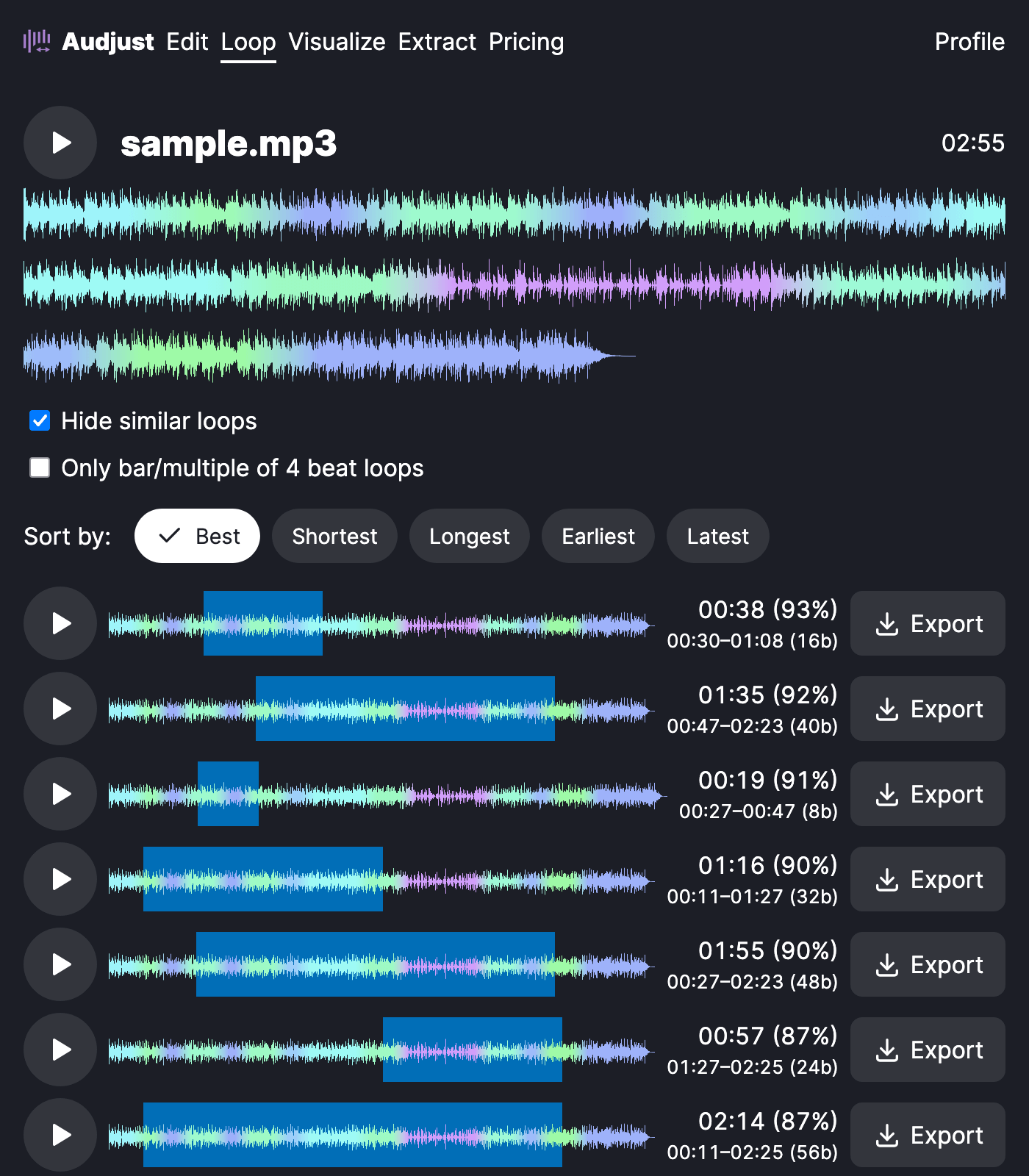
This is useful when you want a song to keep going past its normal length. A two-minute track can run as long as you need under a stream, a study or focus session, or a slideshow, without the listener noticing the repeat. You can also pull a single section, like a chorus or a four-bar phrase, and loop just that part.
One thing worth knowing: loops sound cleanest when the start and end fall on the same beat and at a similar volume. If a loop feels off, nudge the points slightly so they land on the downbeat, and let the audio fade naturally rather than cutting mid-note.
The common question is whether it actually loops smoothly or just repeats the file. It looks for matching points in the waveform so the seam is hidden, which is the difference between a real loop and a track that audibly restarts. It works with common formats like MP3 and WAV.
Start editing for free! →
No account or email required
