Music Production Sample Finder
If you produce music and want to lift a usable sample out of a track, this tool finds the cleanest loop points in the audio and gives you a tight section that repeats without an audible click. It runs in the browser, it's free, and there's no signup or install. MP3, WAV, and other common formats work.
Instead of scrubbing through a waveform by ear hunting for where a phrase starts and ends, you let Audjust analyze the track and mark where a loop closes cleanly. You get a sample with matched start and end points, ready to drop into your DAW.
More content below
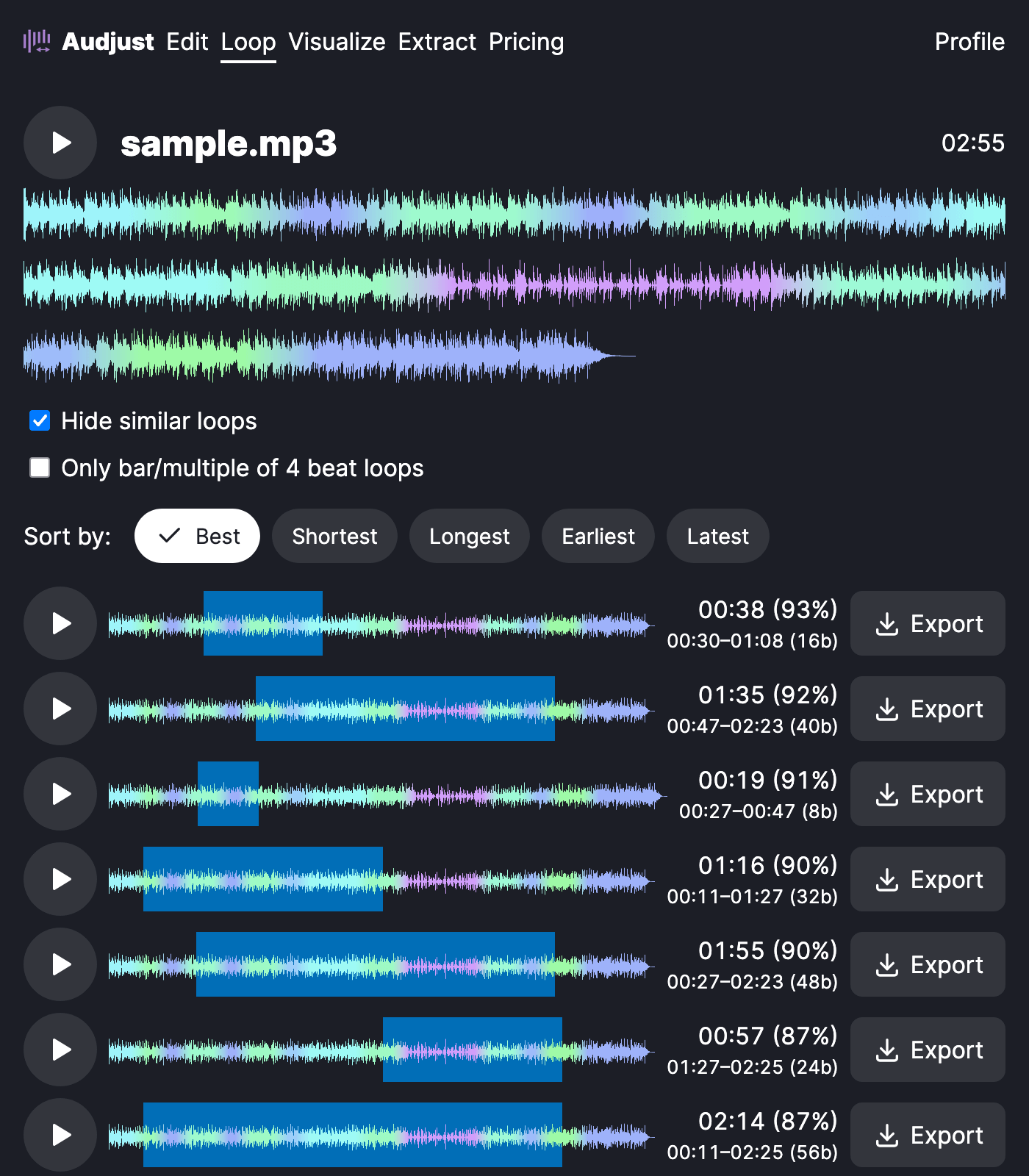
To use it: load an audio file, let it analyze, then move to the part of the song you want. Audjust marks loop-friendly points near your selection. Nudge the in and out points until the section sounds right looped, then export it.
For producers, that usually means lifting a four-bar drum or chord section to layer under a new beat, or grabbing a vocal phrase or melodic riff to chop and resequence later.
One thing worth knowing: the cleanest loops come from sections with a steady tempo. If you line your boundaries up with the start of a bar, the sample sits better once it's in a sequencer.
Does it pick the loop point for you? It suggests strong candidates from the audio, but you set the final in and out points yourself, so the exported sample is exactly the piece you wanted.
Start editing for free! →
No account or email required
