Online Audio Looper
This tool takes a track you already have and makes a version that repeats without an audible jump. Instead of guessing where to cut, Audjust scans the audio for points where the end rolls back into the start cleanly, so you don't get a click or a gap each time it restarts.
To use it, open the page and add your audio: upload an MP3 or WAV. Audjust analyzes the track and marks suggested loop points on a timeline. Drag the start and end markers to set the section, preview the join to hear how it sounds, then export the looping version. No signup, no install.
More content below
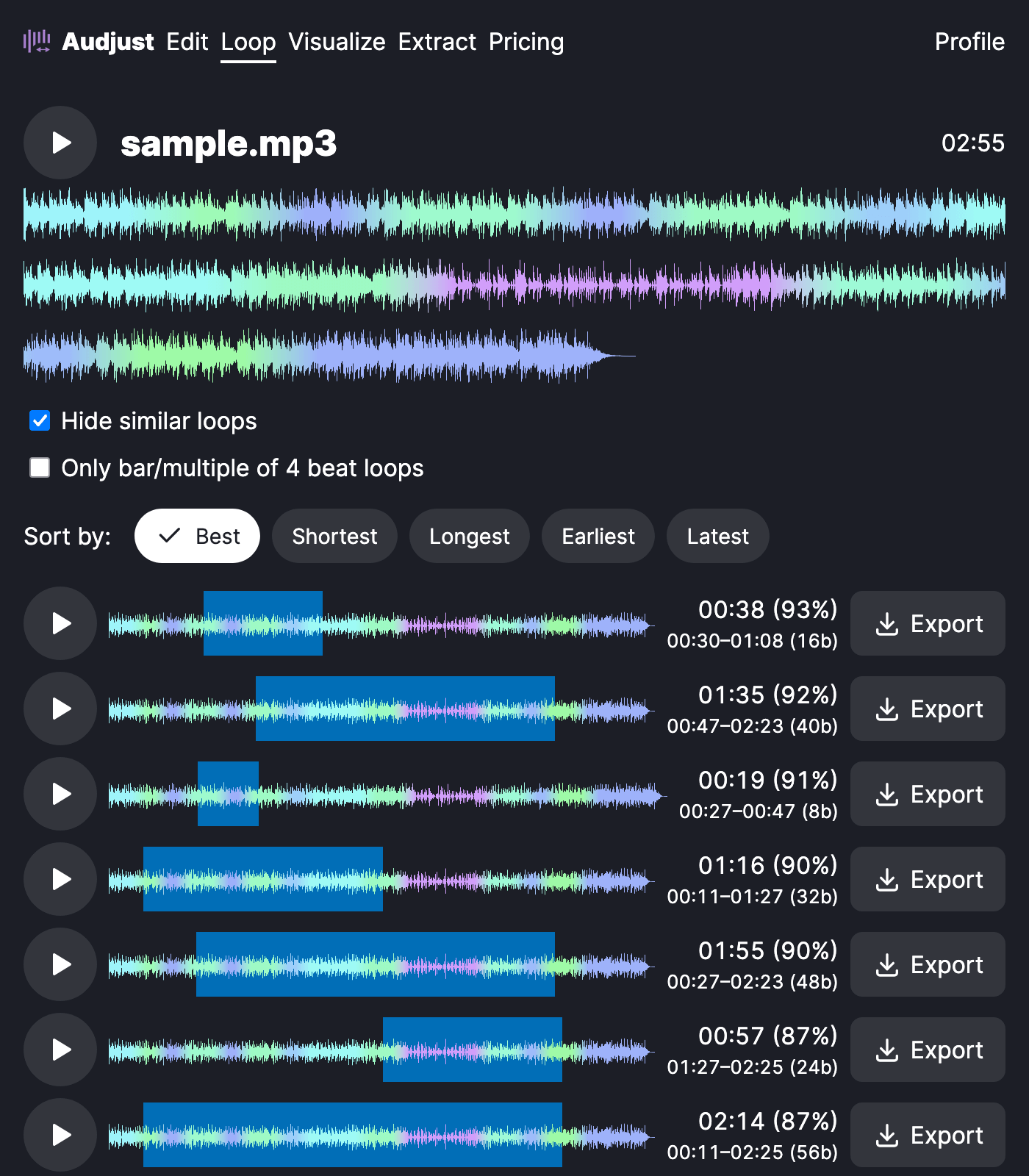
It helps when you need audio that runs for an unknown length of time. A stream overlay, a kiosk, or a waiting screen can play the same background track for hours, and a clean loop means no one notices the restart. Producers can also pull a short section out of a longer song to use as a loop or sample.
One tip: loops hold up best when the cut sits between musical phrases rather than mid-beat, so start from the suggested points and nudge while previewing.
Is it actually free? Yes. The looper runs in your browser at no cost, with no account, and works with MP3 and WAV.
Start editing for free! →
No account or email required
