Online Looper
An online looper takes an audio file you already have and makes it repeat without an obvious restart. Audjust runs in your browser, so there's nothing to install and no account to make. You pick the part of a track you want to repeat, and it finds the cleanest points to join the end back to the start so the repeat doesn't click or jump.
To use it: open the page, upload an MP3 or WAV, then wait a moment while it analyzes the audio. Set the section you want, let it snap to the nearest clean loop points, preview the join a few times, and download the looping version. You can also use it the other way around: pull a short loop or sample out of a longer song to build with.
More content below
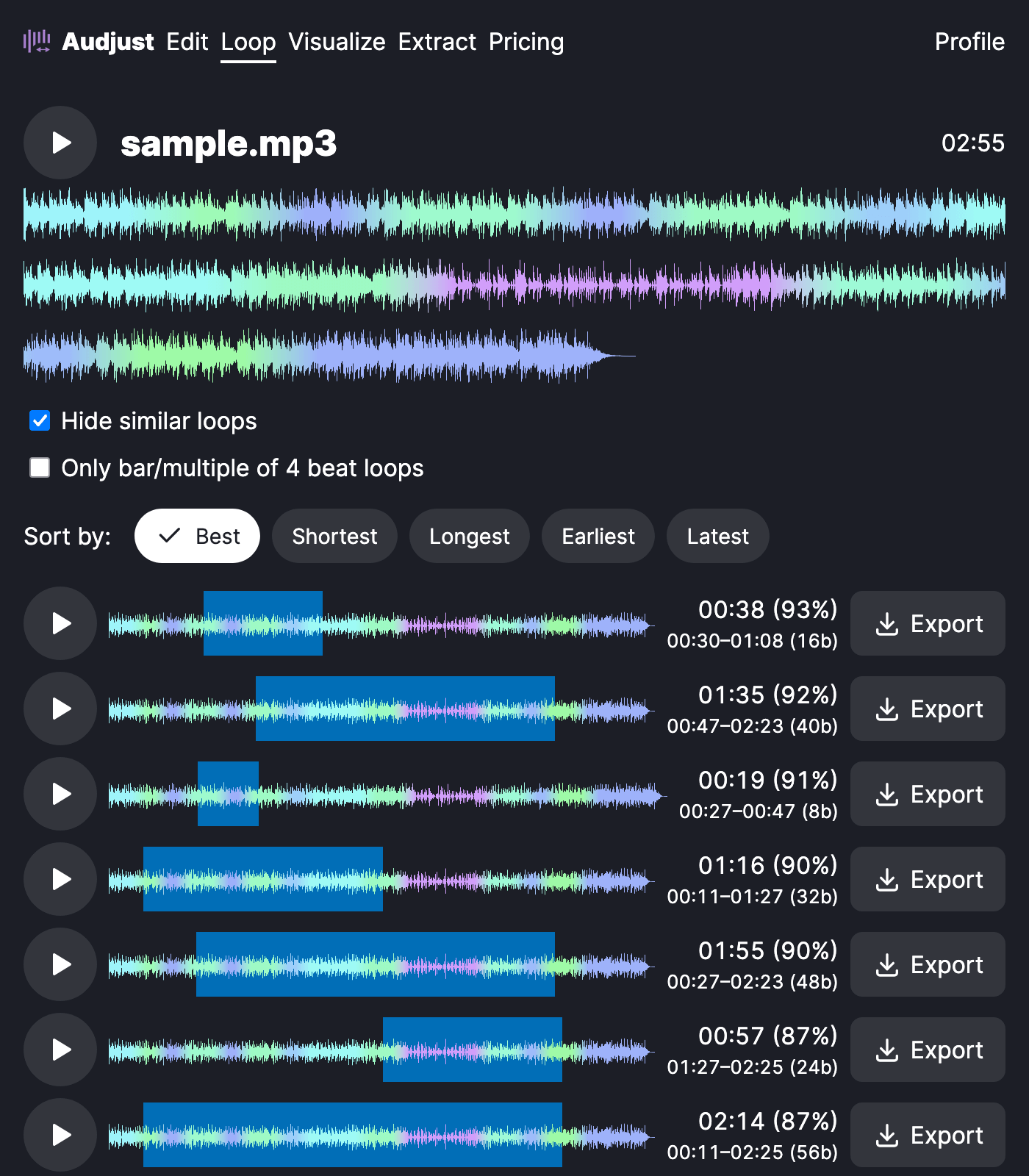
This helps when you need audio that keeps playing: a music bed behind a stream or web player, an ambient track under a video, a loop or sample for a track you're producing, or a steady background while you study. A join you can't hear coming makes all of those sit right.
One thing worth knowing: tracks that fade out or have a long reverb tail are hard to loop cleanly, because there's no steady point to return to. Pick a section from the middle of the song where the energy is even, and the loop will hold up better.
A common question is whether the loop plays forever or just adds a few repeats. Audjust builds one clean loop you download and then repeat as many times as you want in your player, video editor, or game, rather than baking in a set number of plays.
Start editing for free! →
No account or email required
