Sample Finder
This sample finder helps you pull a usable sample out of a track right in your browser. You load a song and it scans for the cleanest cut points: the spots where a section starts and ends without a clipped beat or an abrupt edge, so the chunk you keep sounds intentional instead of chopped.
To use it, open the tool and add your audio by uploading a file. It analyzes the track and shows the waveform. Move the start and end markers to frame the part you want, play it back to check the edges, then export the trimmed sample. It works with common files like MP3 and WAV.
More content below
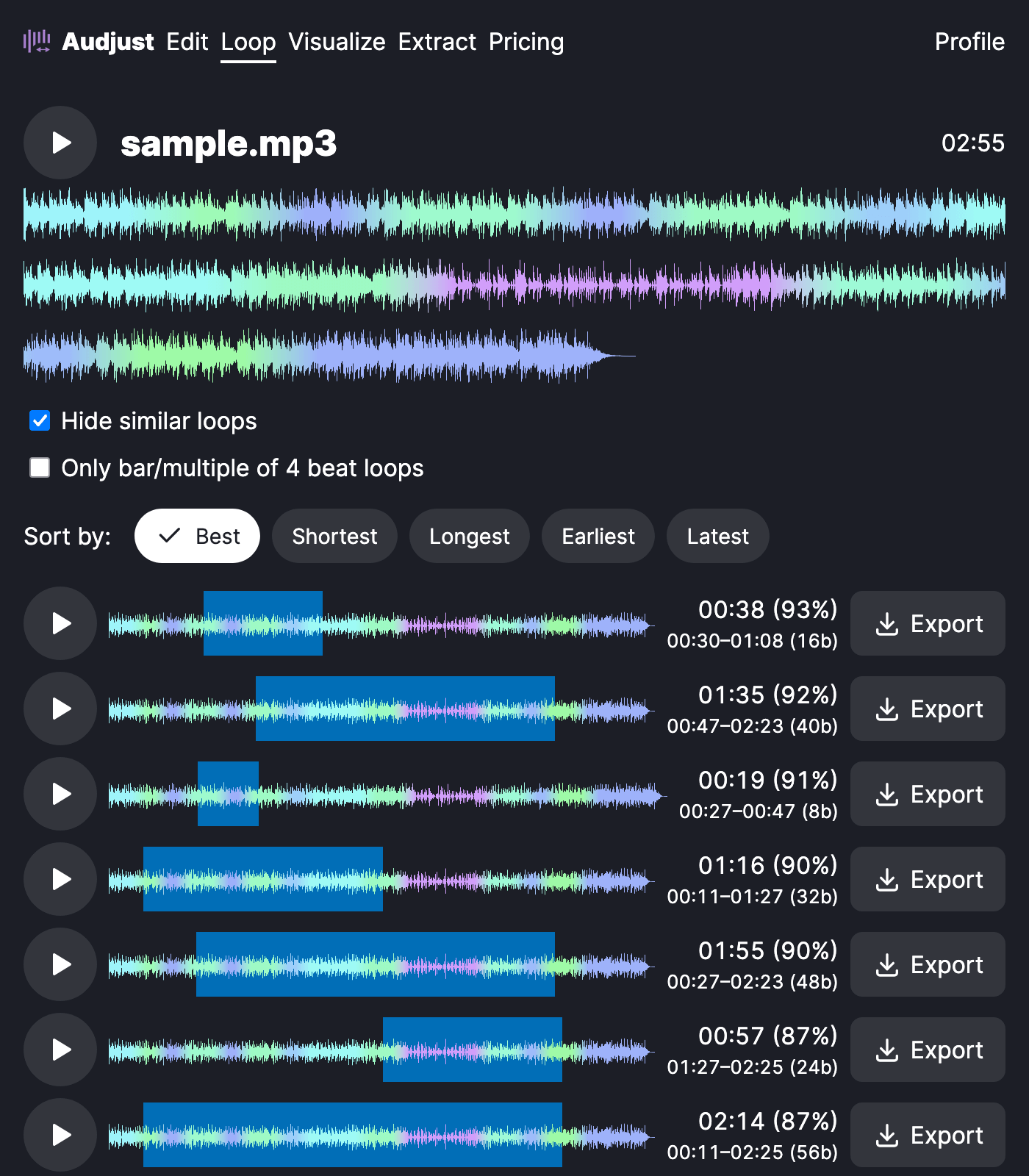
A typical case: you hear a four-bar drum break or a vocal phrase in a longer song and you only want that piece for a beat. Drag the markers around it, nudge until the loop sits clean, and export. Same goes for lifting a short melodic figure to resample, or grabbing a section that has to loop without an audible seam for a game or video.
One thing worth knowing: zoom in on the waveform before you set the end point. Cutting on a zero-crossing, rather than right on the transient of the next hit, is the difference between a sample that loops tight and one that ticks.
The question people ask most is whether this identifies what song a sample came from. It doesn't. It finds and extracts a clean sample from audio you already have, it doesn't recognize the source track. It's free, runs in your browser, and needs no install or account.
Start editing for free! →
No account or email required
