Song Looper
A song looper takes a track and plays it over and over with no audible break where it restarts. Audjust finds the cleanest loop points in your song, so when the end wraps back to the start, the join lines up and you don't hear a click or jump. You end up with a continuous version you can export and leave running.
Open the tool, then upload an audio file. Audjust analyzes the track and picks loop points. Preview the looped version, drag the start or end to make the loop tighter or longer, then export. It runs in your browser, it's free, and there's no signup or install. MP3 and WAV both work.
More content below
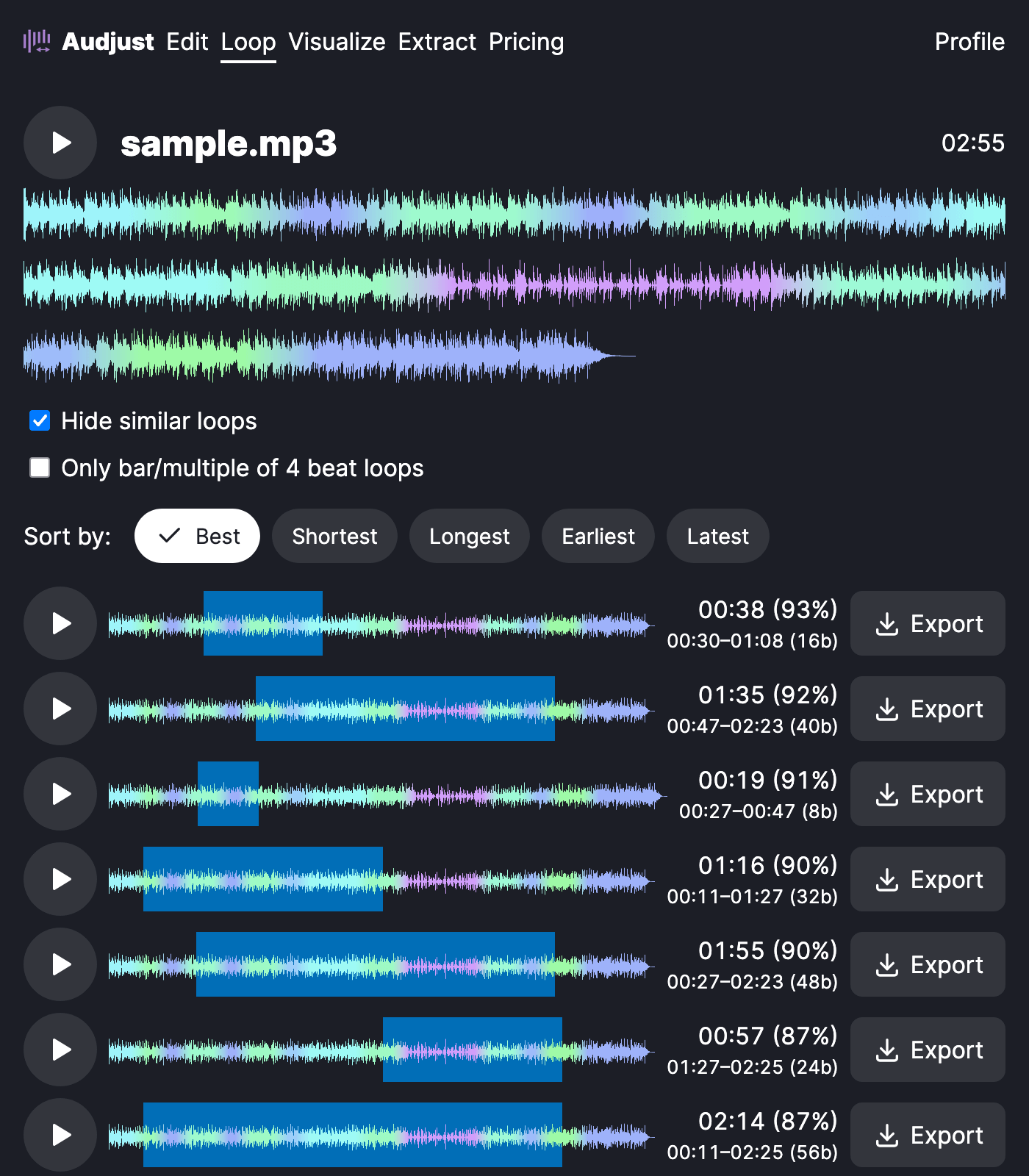
This helps when you need music that keeps going: a background track for a Twitch stream or a kiosk, sound for a video that runs longer than the song, or a focus track you want playing for an hour without restarting. Producers can also use it the other way, pulling a single loop or sample out of a song to build with.
Loops sit best when you start from a steady, repeating section rather than a dramatic build or a fade. If a spot sounds off, drag the loop points to a calmer part of the track and preview again.
People mostly ask whether the repeat is audible. With good loop points it isn't: the aim is a join you can't pick out by ear, so the song sounds like one take instead of an obvious restart.
Start editing for free! →
No account or email required
