Visualize Song
Audjust turns a flat audio file into a picture you can read. It draws the song's waveform across a timeline and marks where the sections fall, so you can see the intro, verses, choruses, and the drop laid out left to right instead of scrubbing back and forth to find them.
To use it, open the tool and upload a song from your device. Audjust analyzes the track and shows the waveform with its sections in place, so the whole arrangement is visible at once.
More content below
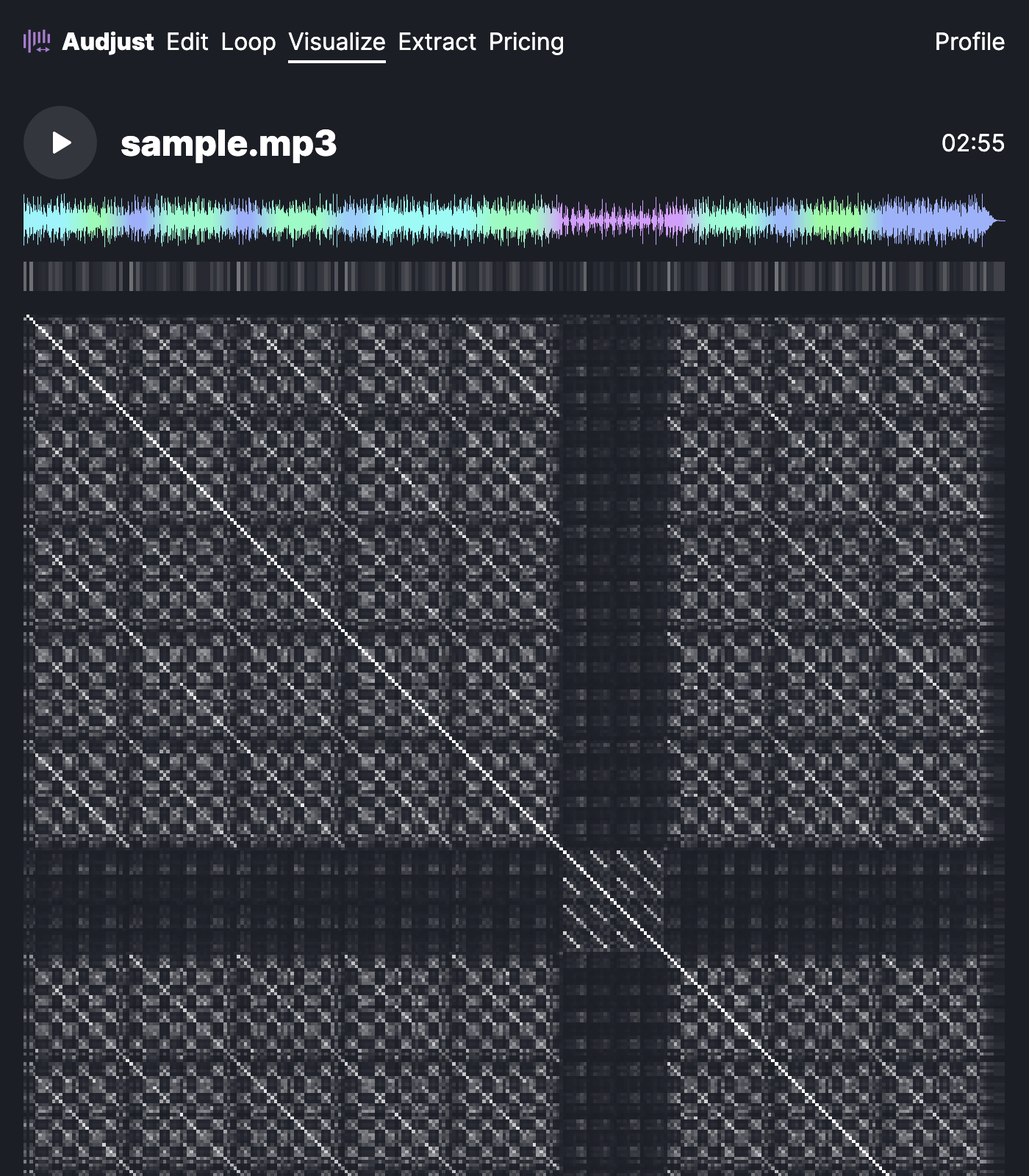
This helps most when you're learning a specific song. You can see where the chorus lands and how long each part runs, which makes it easier to chart the arrangement or plan a cover. DJs and editors read the same view to find the energy changes in a track before they cut or mix it.
The waveform follows the actual loudness of the audio, so a quiet intro looks thin and a full chorus looks tall. Reading those shapes is often faster than reading the section labels alone, especially on tracks with long builds.
You don't need to install anything. It runs in your browser with no signup, and it works with common files like MP3 and WAV.
It's free, so you can drop in any song and see its shape in a few seconds.
Start editing for free! →
No account or email required
